
1. Update a Project Issue in Portfolio
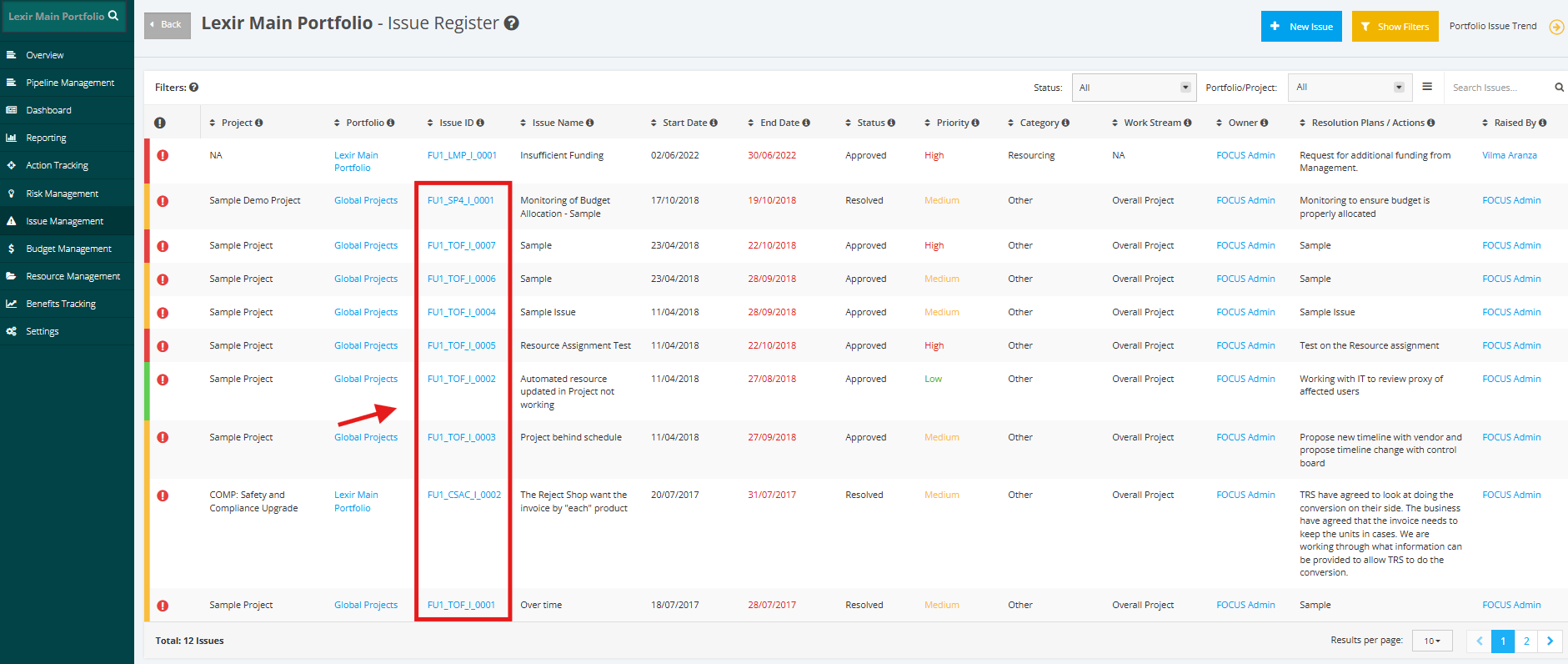
1. To update an ‘Issue’ within a Portfolio, click the ‘Issue Management’ tab from the left side bar of the page. Once done, navigate to the ‘Portfolio Issue Register’ and then click the ID of the Issue that you want to update.
2. To proceed with updating the Project Level Issue in the Portfolio, start with step 2 of this link here.