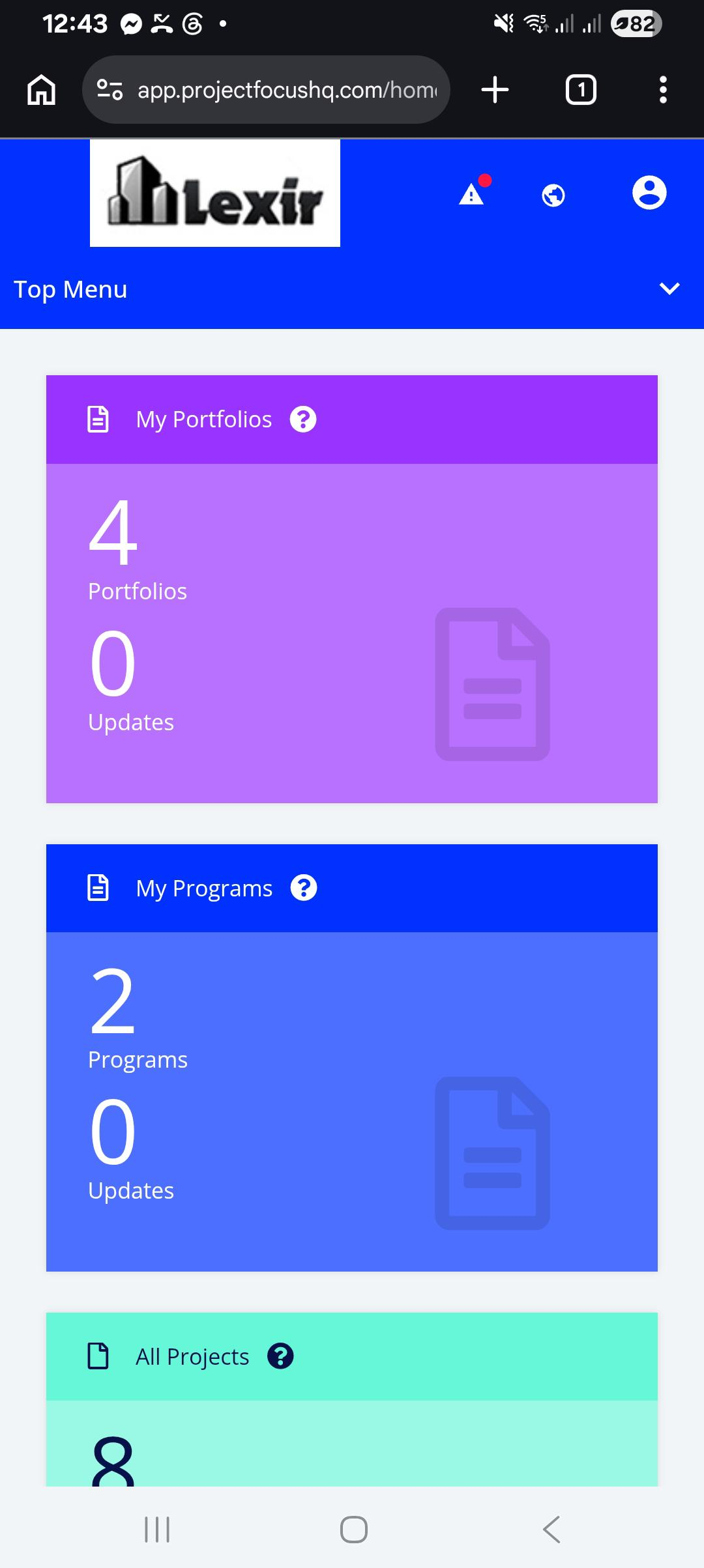
1. Create FOCUS™ App Shortcut in Mobile Phone
1. Open your mobile phone browser and go to the FOCUS™ URL: https://app.projectfocushq.com
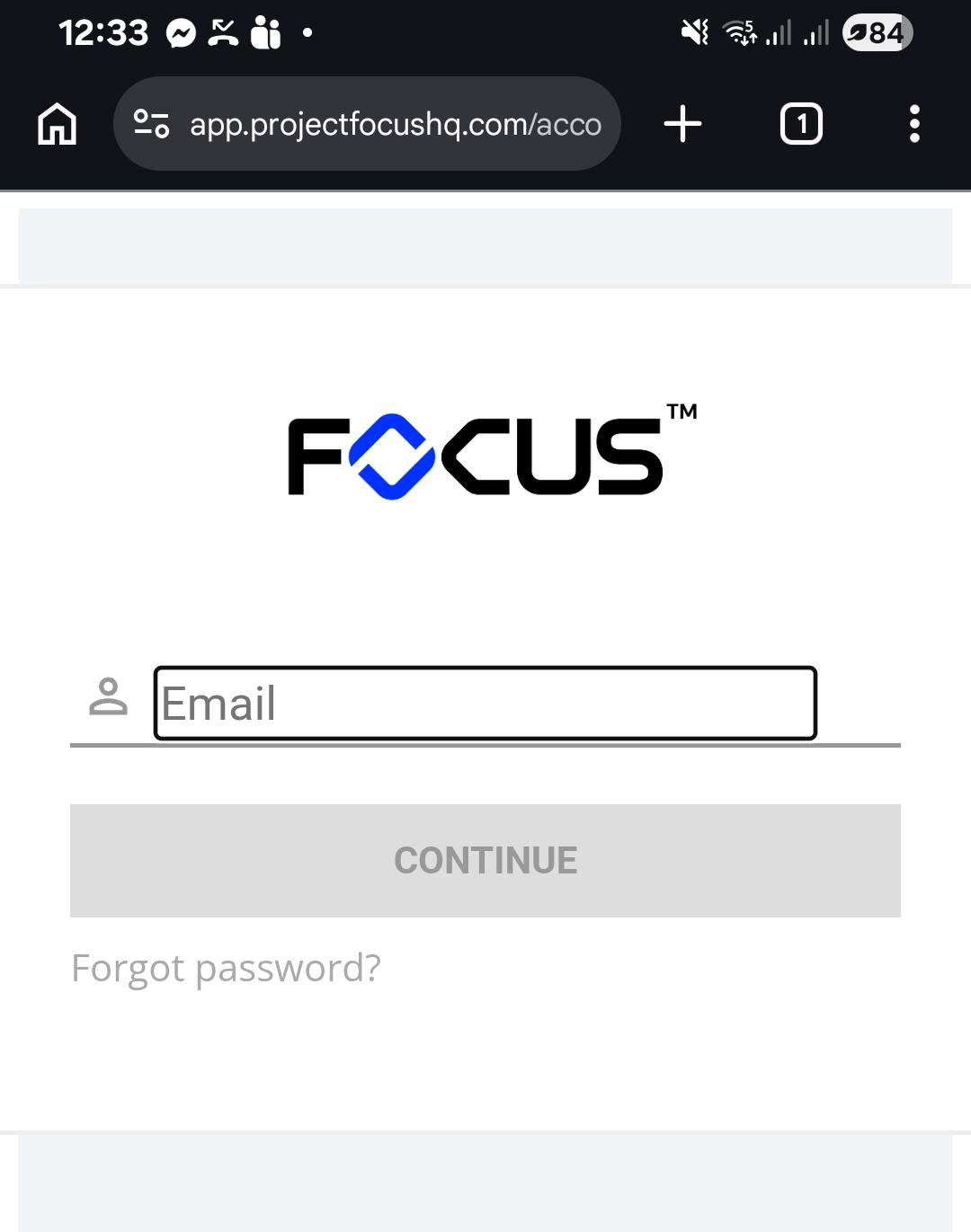
2. Click on the Browser navigation bar, and select the icon option where you can add the browsed page.
If browser prompts the location of the page to be added, select "Home Screen".
NOTE: Names can vary, depending on browser application used. Please select the appropriate option.
| Samsung Browser | 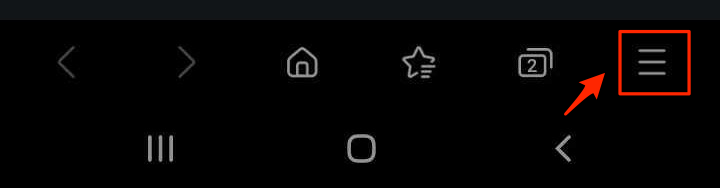 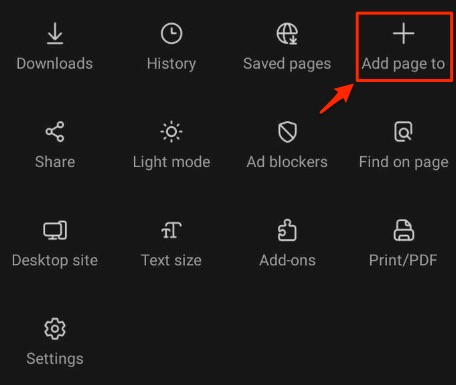 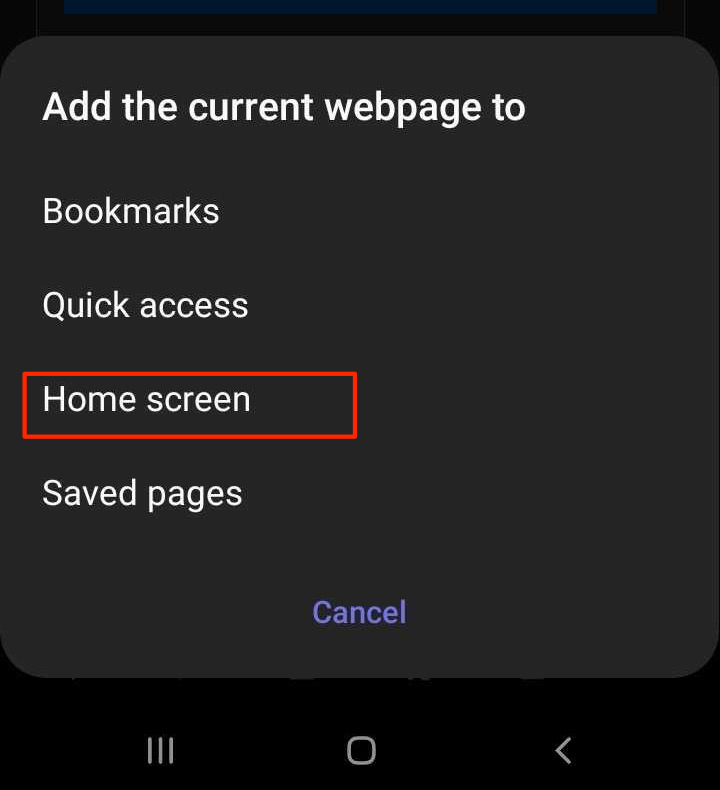 |
| Google Chrome Browser |  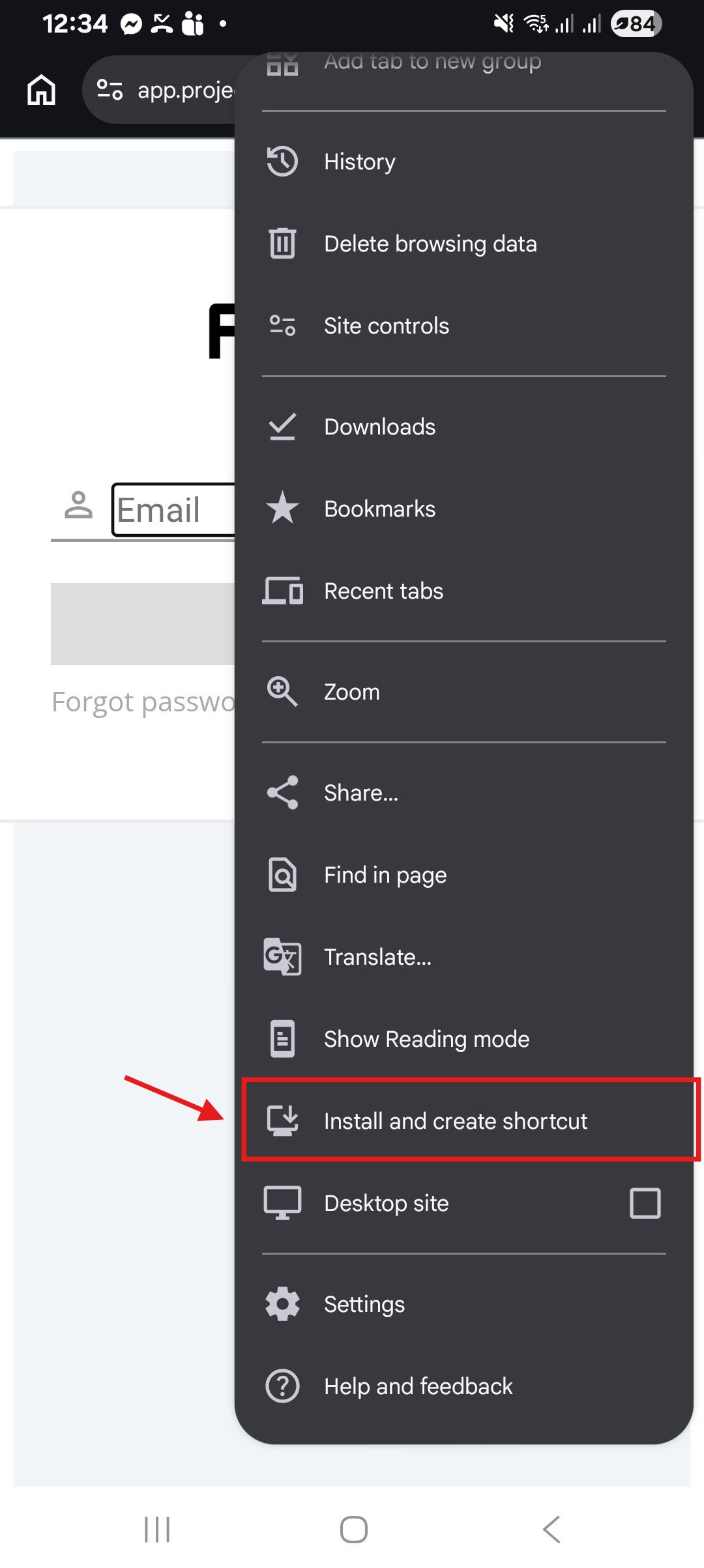 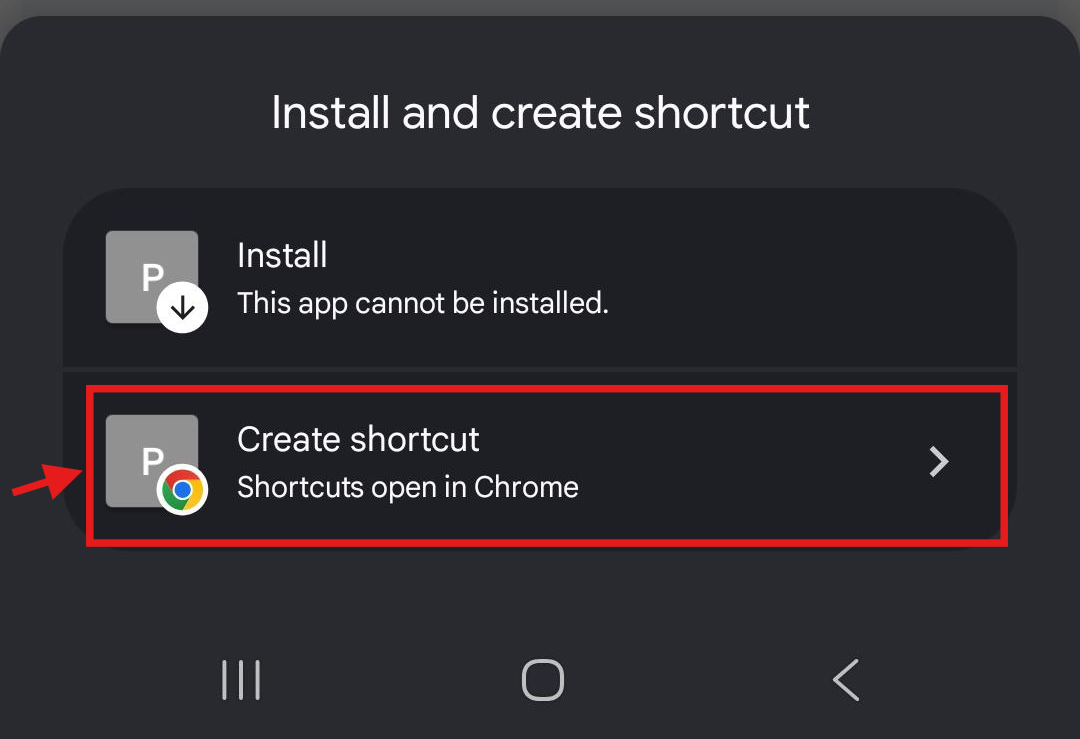 |
3. You can rename the title of the web page. Once through, click "Add".
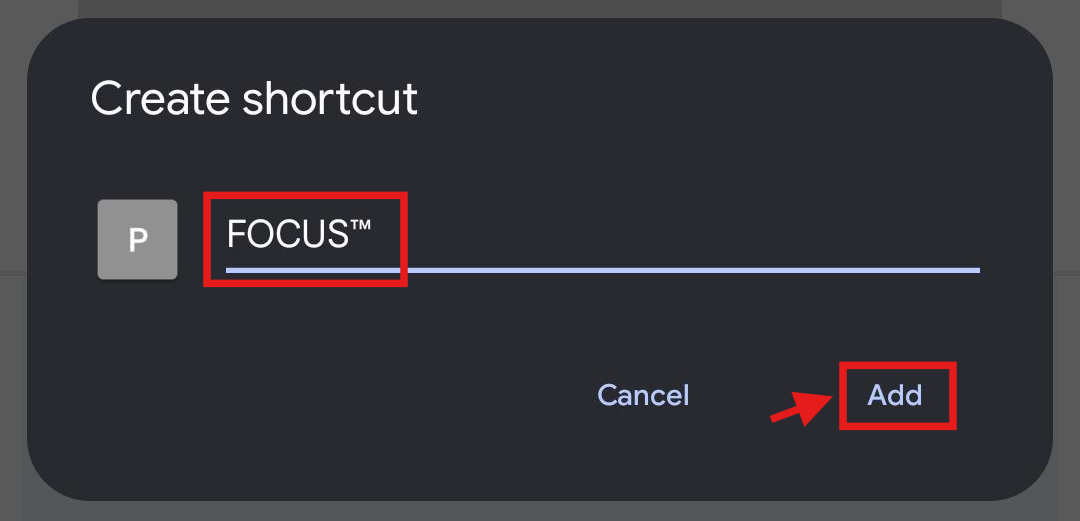
4. If prompted to complete the addition to the Home Page, you can touch and hold the icon to drag to the Homepage or you can click "Add".
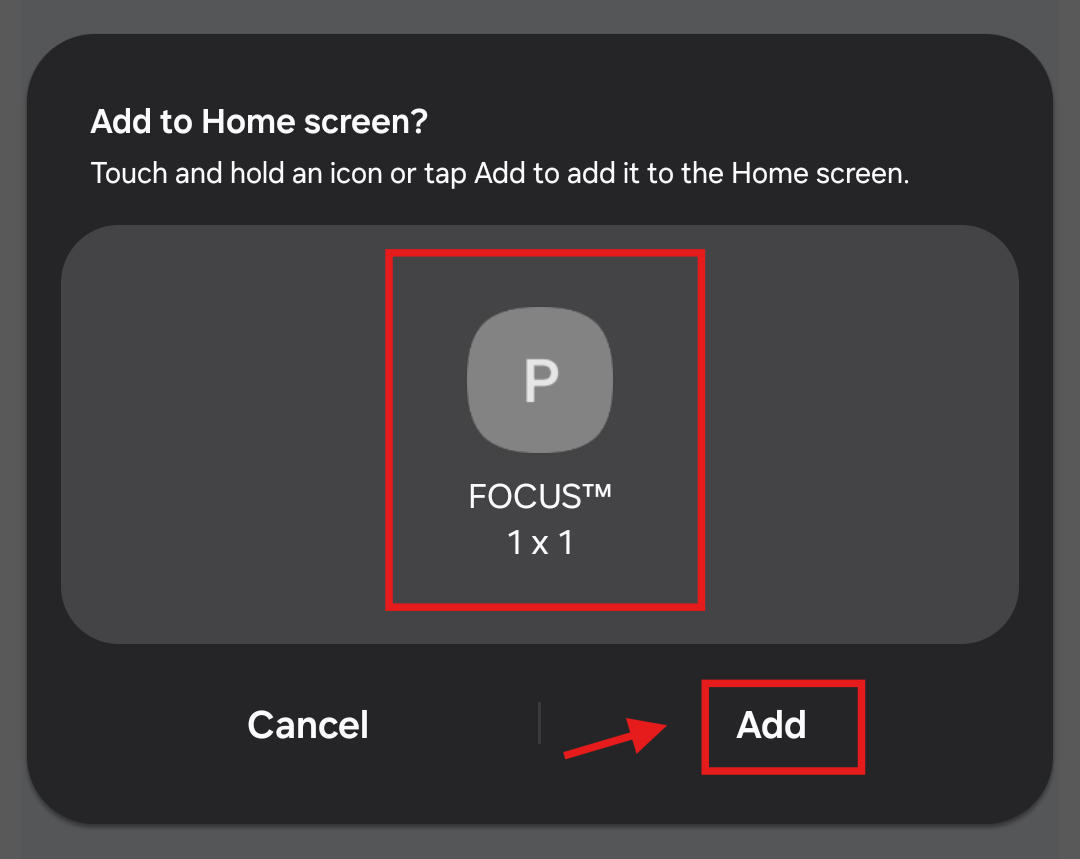
5. The web page shortcut app is now added to the Home Screen.
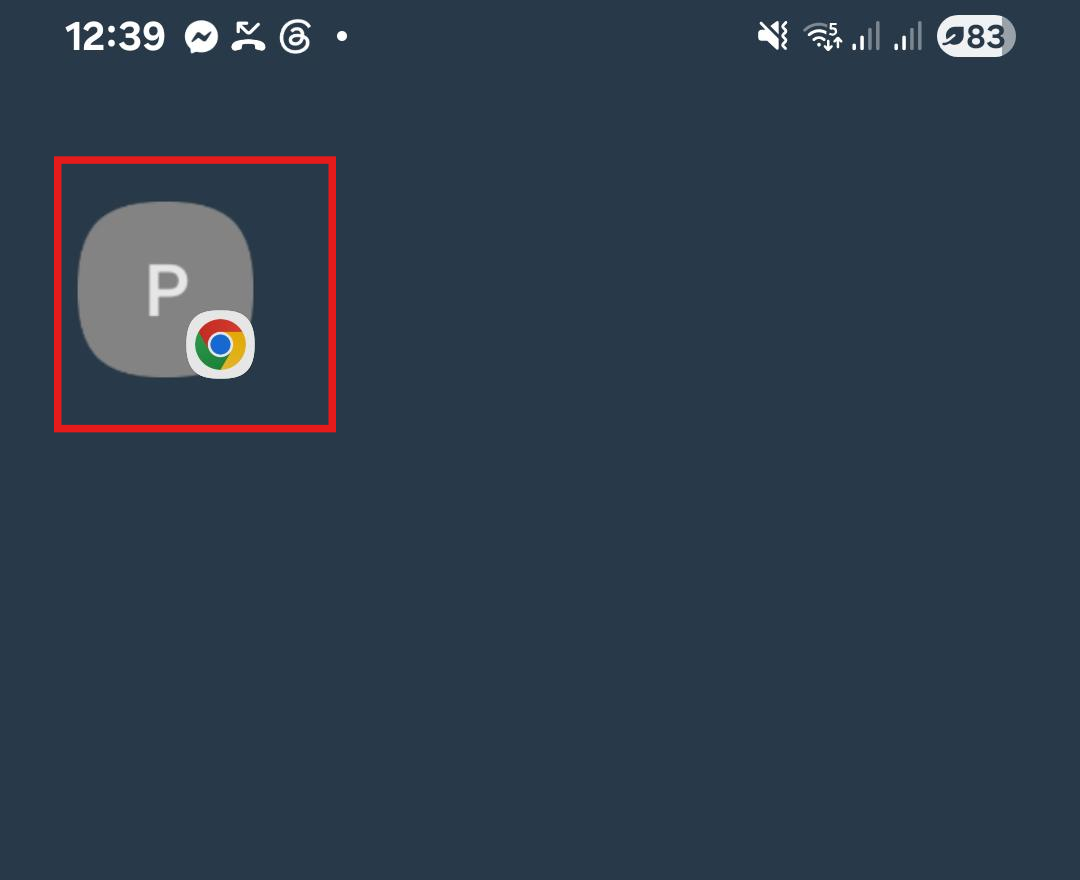
6. You can click on the newly added Page in the Home Screen.
Login with your Username and Password, and you will be redirected to the Home Page successfully.