1. Hide Custom RAG Status
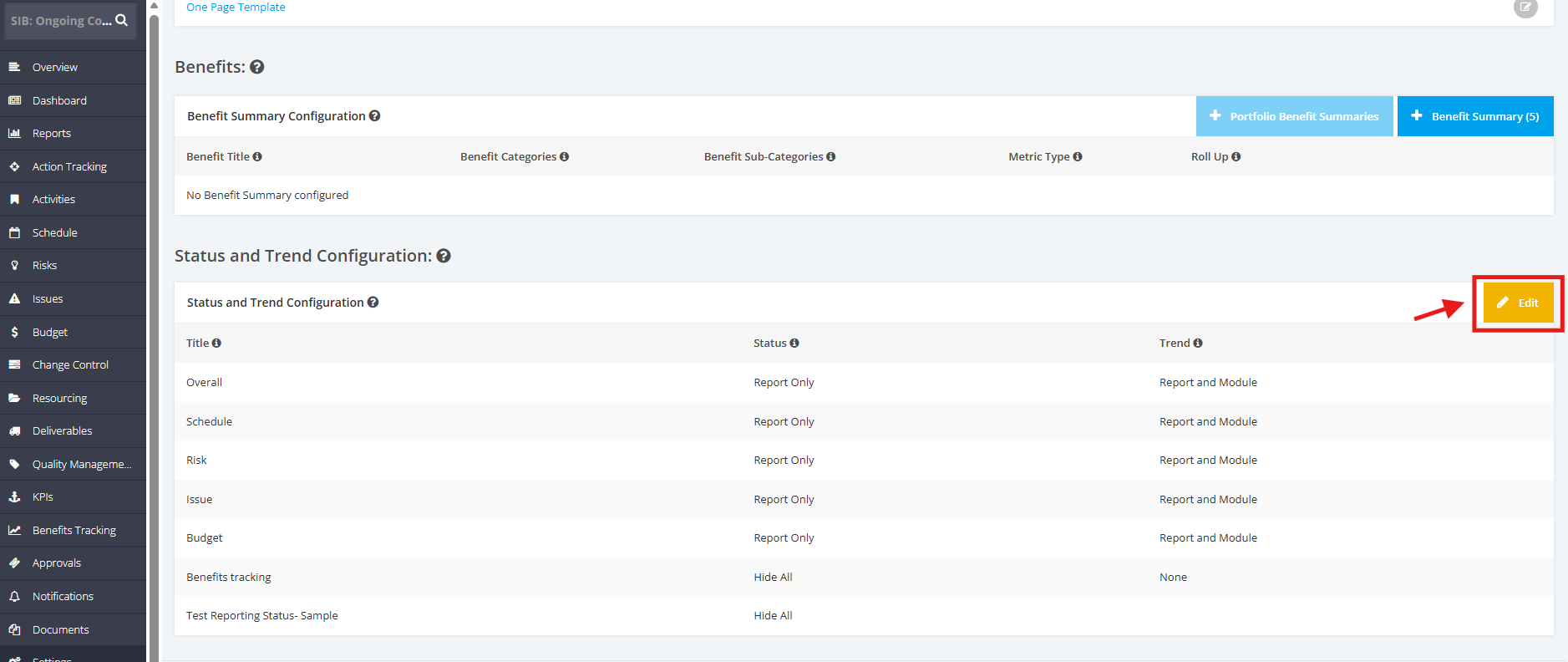
1. Go to the Settings module, then scroll down to the ‘Status and Trend Configuration’ section. Then, click the 'Edit' button.
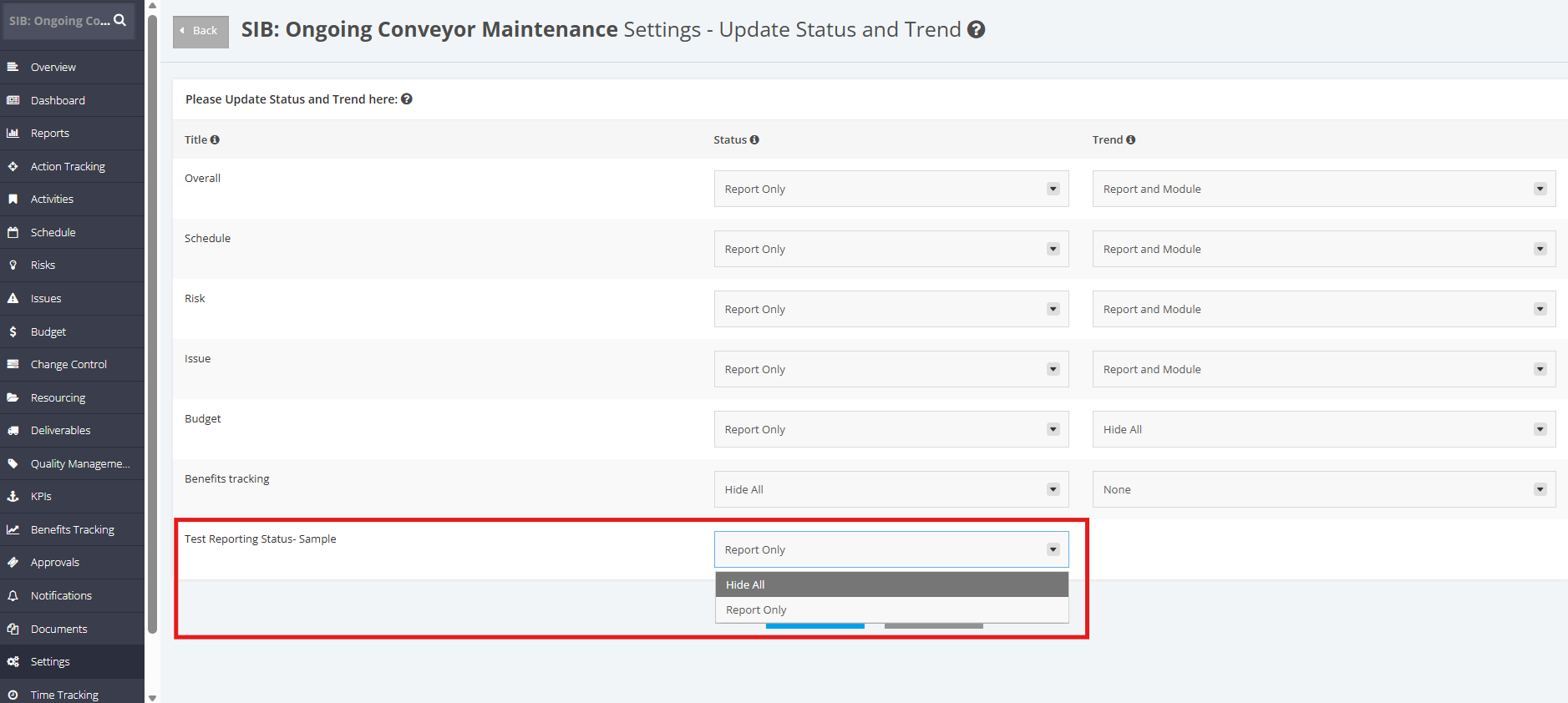
2. Go to the Custom RAG Status and select 'Hide All' in the dropdown list.
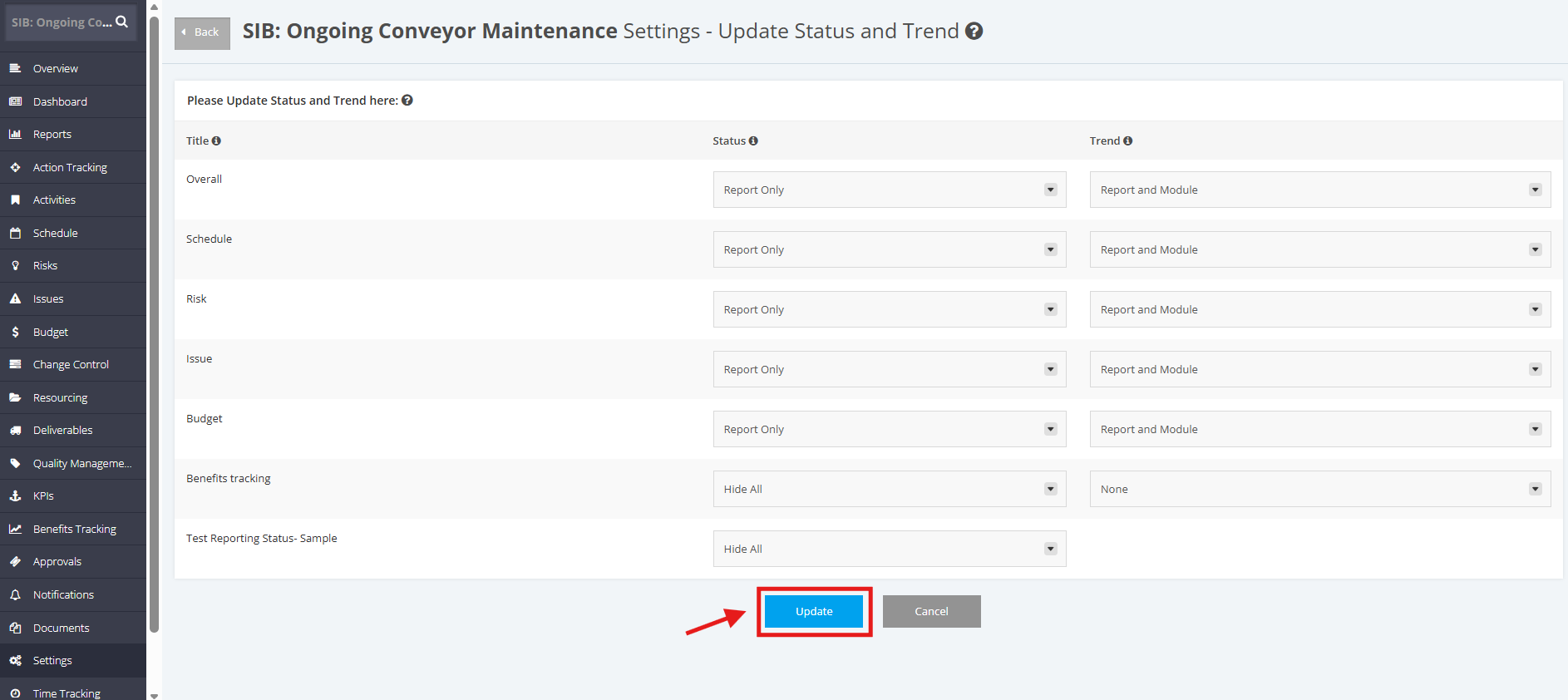
3. Once done, click the “Update” button.
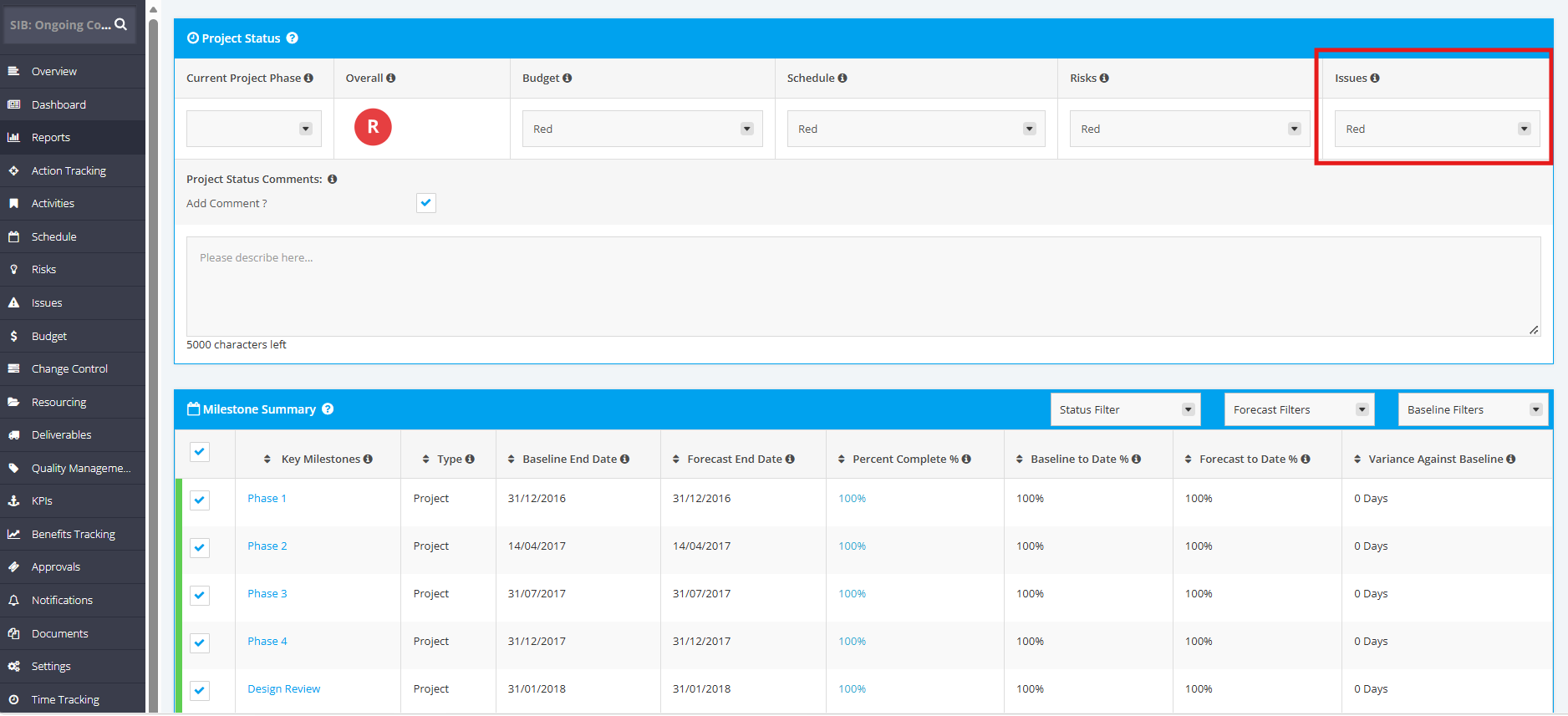
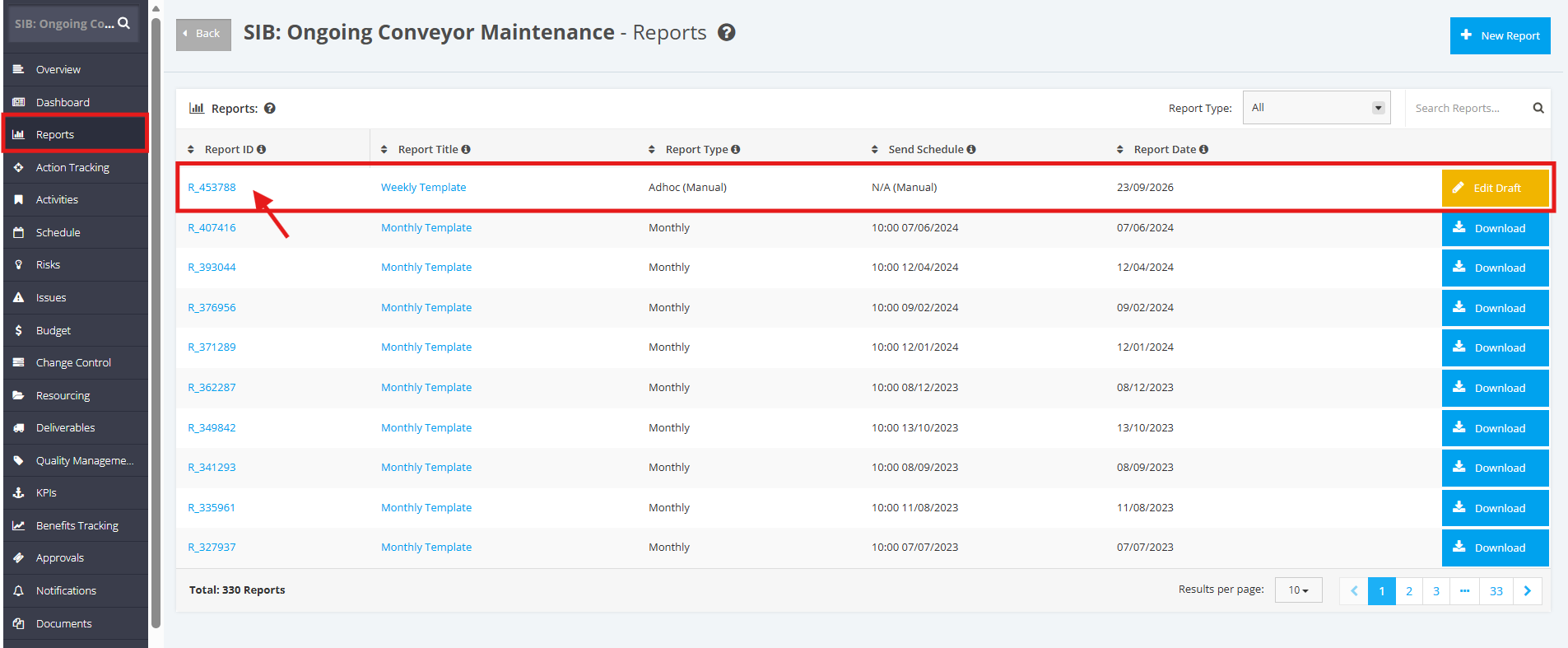
4. Once updated, go to the Reports module and click the link of a Draft Report.
5. Go to the Project Status section, and you will see the Custom RAG Status NOT being shown.