
1. Deleting A Pipeline Approved Opportunity Checklist
1. Select the Approved Opportunity Checklist name that you wish to delete. Notice that there is an ‘X’ icon beside the description of the checklist. Click the said icon.

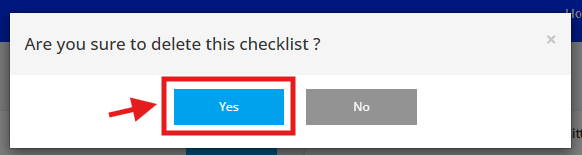
2. A notification message will prompt as confirmation prior to deleting the checklist. Click Yes.
3. The Approved Opportunity Checklist is deleted as seen below.
