1. Portfolio Default Settings – Manage Weekly Report Template
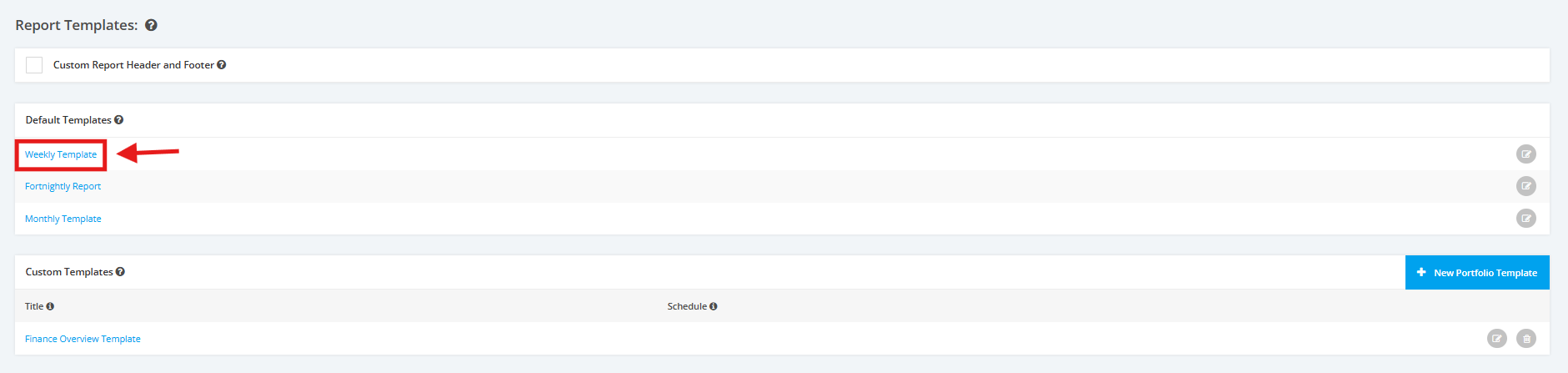
1. Within the Portfolio Report Settings, scroll to the ‘Report Templates’ section then ‘Default Templates’. Click the ‘Weekly Report’ link or the edit icon.
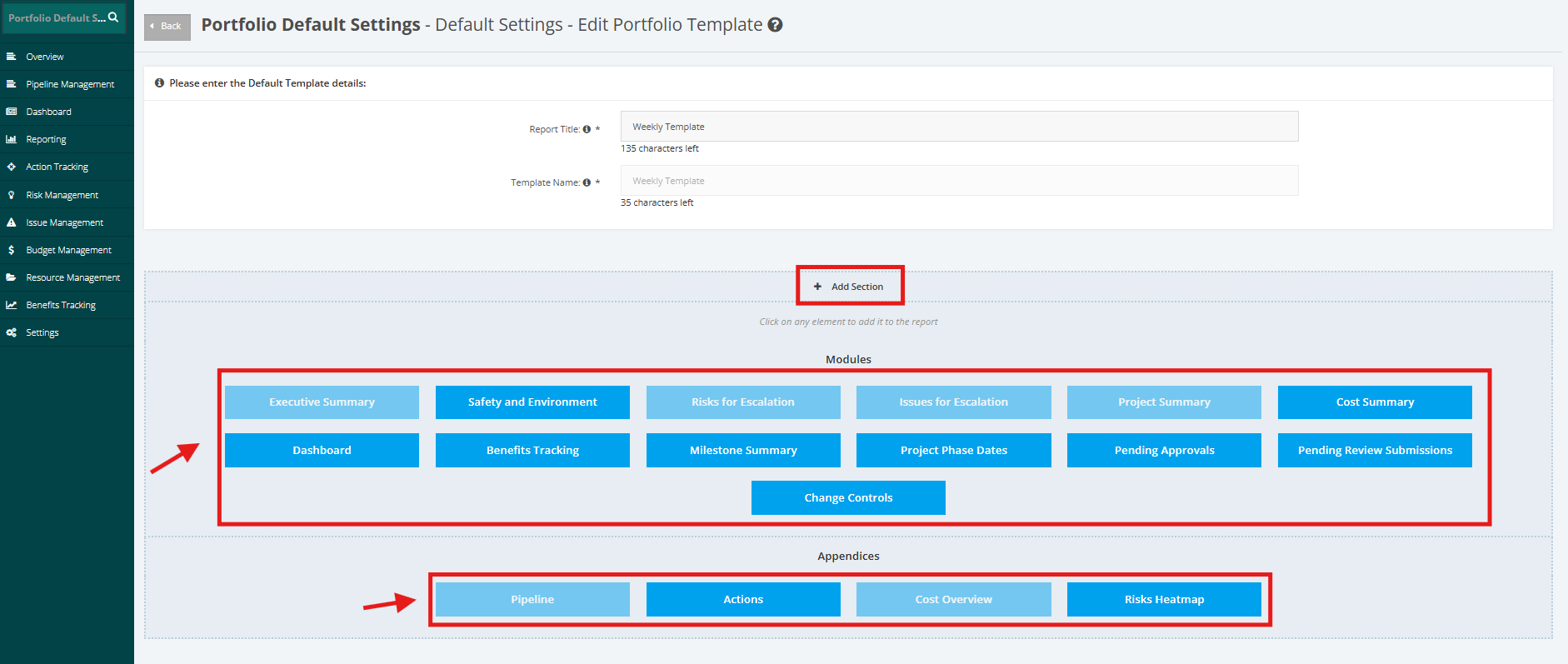
2. Click the ‘+Add Section’ link to add more elements in the report. Once done, select desired ‘Modules’ and ‘Appendices’ section.
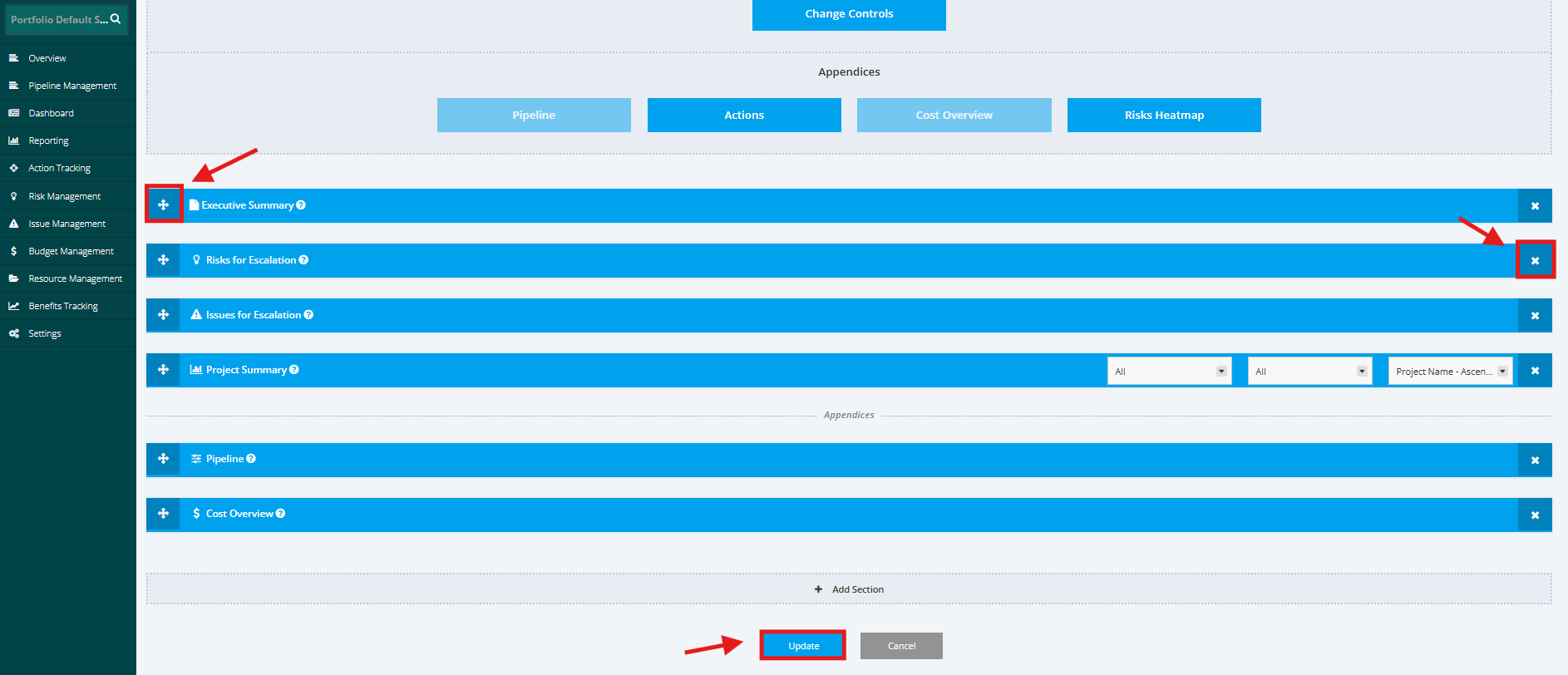
3. If you want to remove a Report section, click the ‘x’ button and if you to re-arrange the Report sections move the Drag and Drop ‘+’ button.
Once done, click the ‘Update’ button to save the changes.