1. Portfolio Default Settings – Delete a Close Out Checklist
1. Within the Portfolio Default Settings page. Scroll to the ‘Portfolio Checklists’ section then ‘Portfolio Close Out’. Click the Delete ’x’ icon of the Portfolio Close Out Checklist that you want to remove (E.g. Business Case is approved).

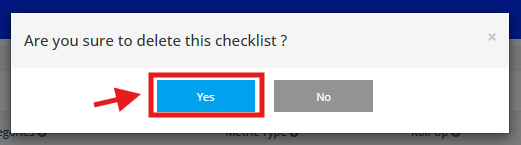
2. A pop-up window will appear for confirmation, click the ‘Yes’ button to proceed with the deletion.