1. Manage Portfolio Default Settings – Access Levels
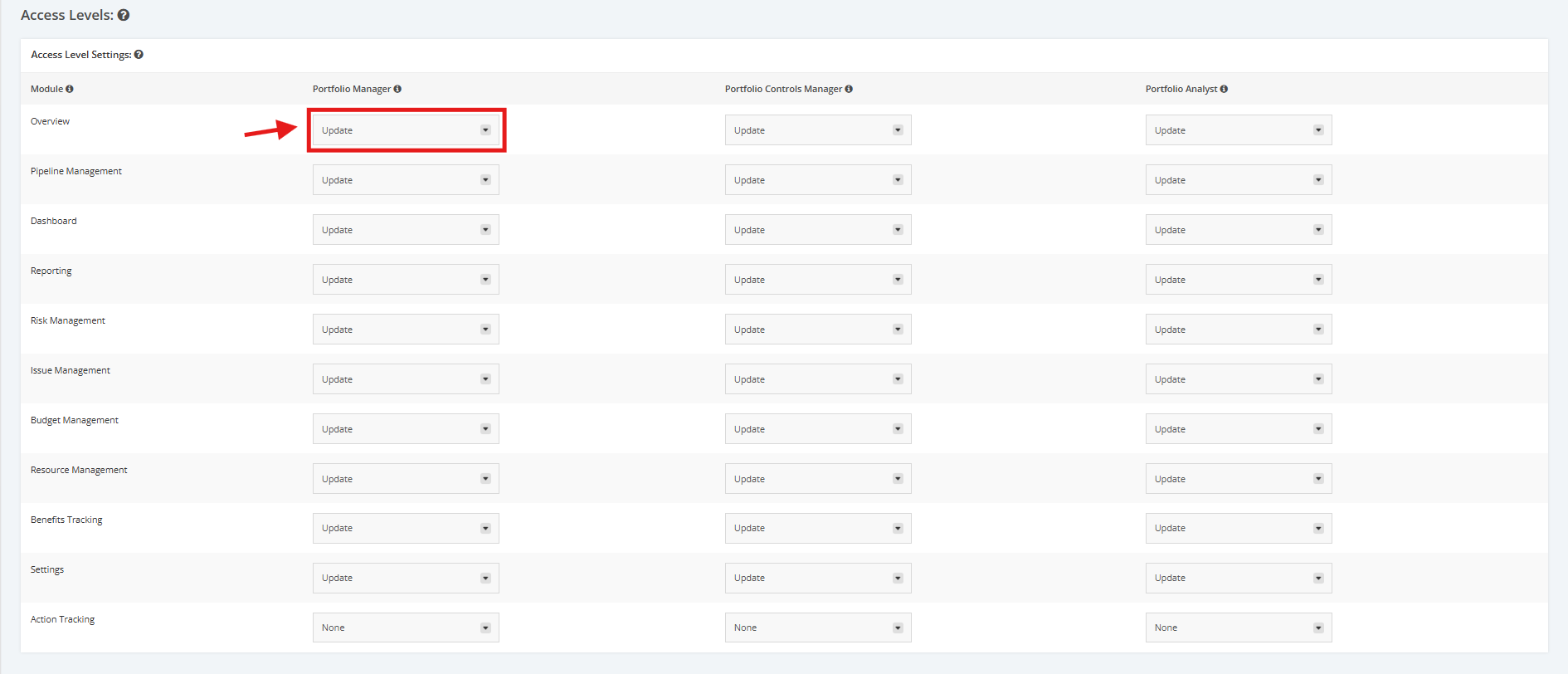
1. Within the Portfolio Default Settings page, scroll to the ‘Access Levels’ section then ‘Access Levels Settings’. Click the dropdown menu and assign a User Role to their corresponding access right for various modules within the portfolio (E.g. Portfolio Manager can Update Portfolio overview). Below are the dropdown menu options:
- ‘Update’ – a User Role can view and make changes to the modules assigned
- ‘View’ – a User Role can only view the modules assigned
- ‘None’ – a User Role can’t view or update any modules