1. Sending Email Meeting Details for Portfolio Action Tracking
1. In the Action Tracking details page, click the Meetings Item.
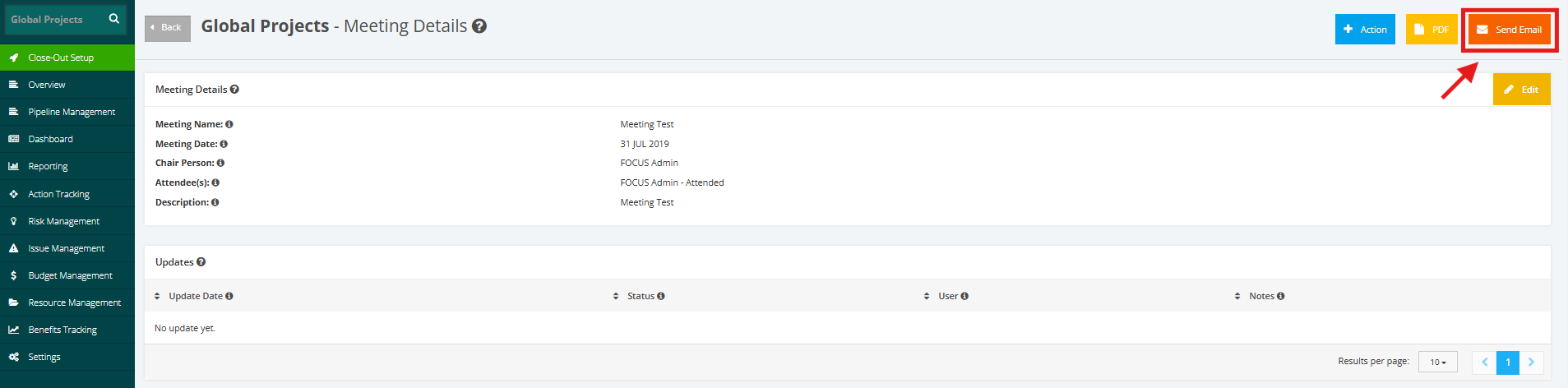
2. In meetings item, select Send Email.
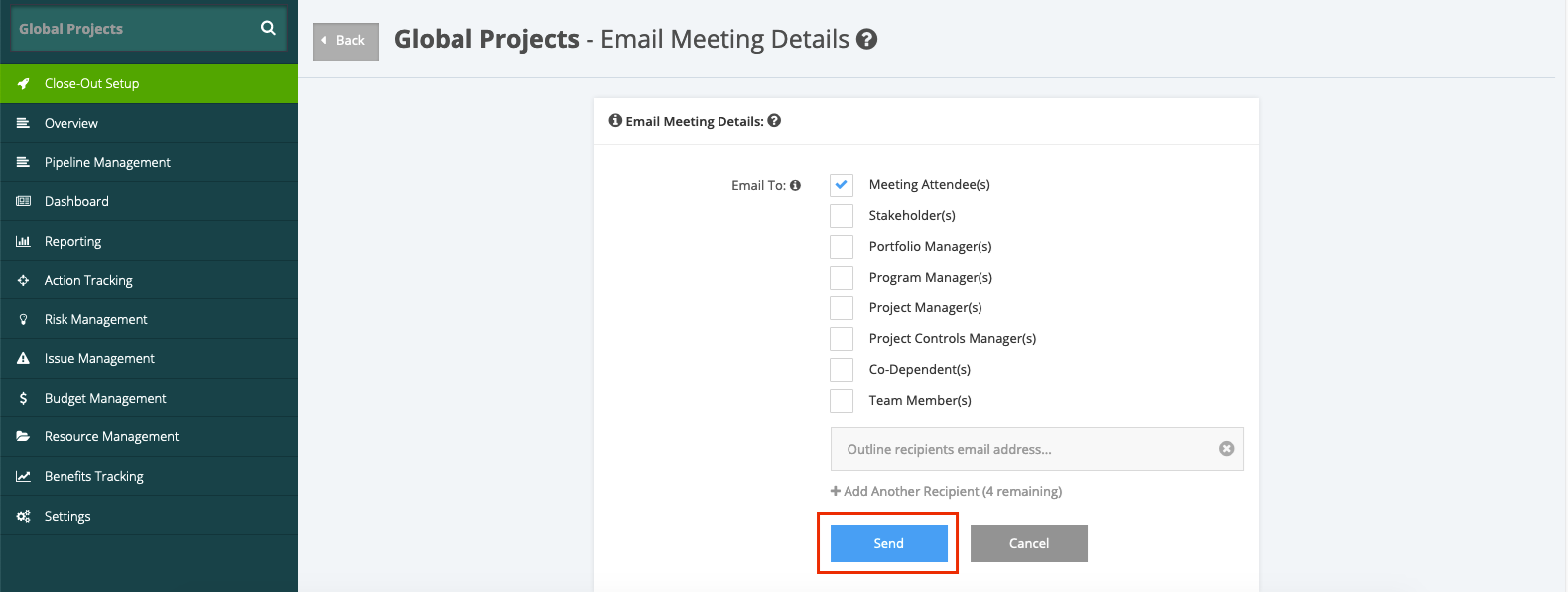
3. Choose on the menu to whom the meeting details send to. After selecting, click Send.
The Send Email functionality is for the proper recipients to check the Meeting data populated in the Action Tracking module.