1. Exporting PDF file for one Meeting Item only in Portfolio Action Tracking
1. In the Portfolio Action Tracking page, scroll down to the Meetings section and click the Meeting Item.

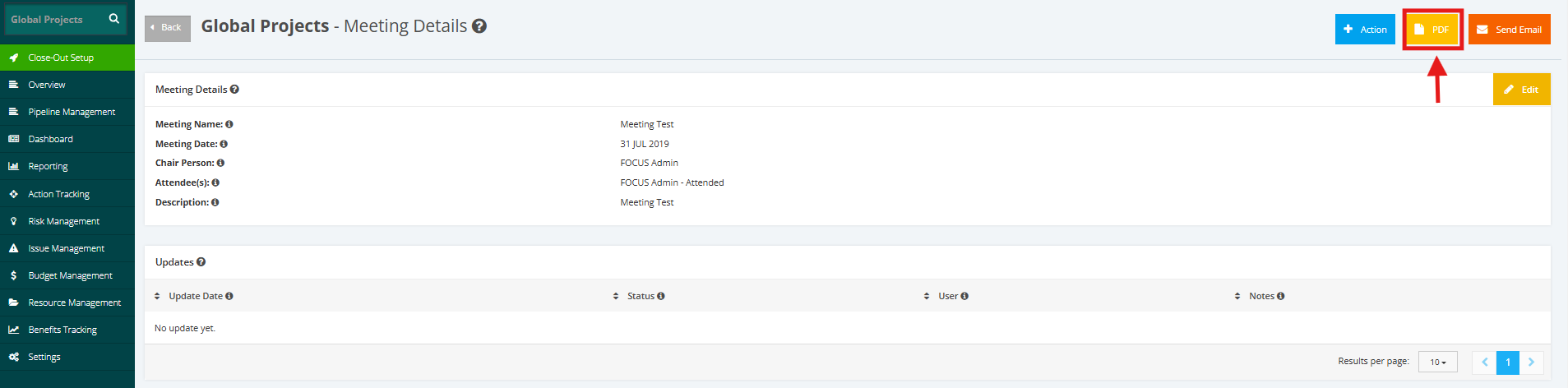
2. In Meeting Details, click PDF to export a meeting details.
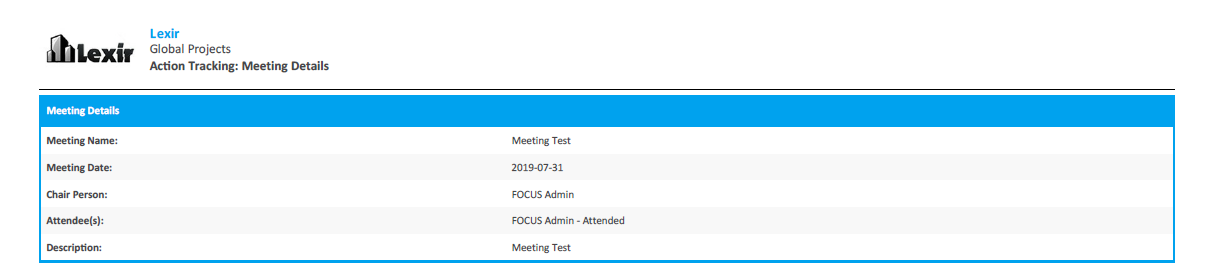
3. Once PDF has been selected, a PDF will be downloaded. A report will be seen in the PDF with all the meetings details and others.