1. Add Meeting in Portfolio Action Tracking
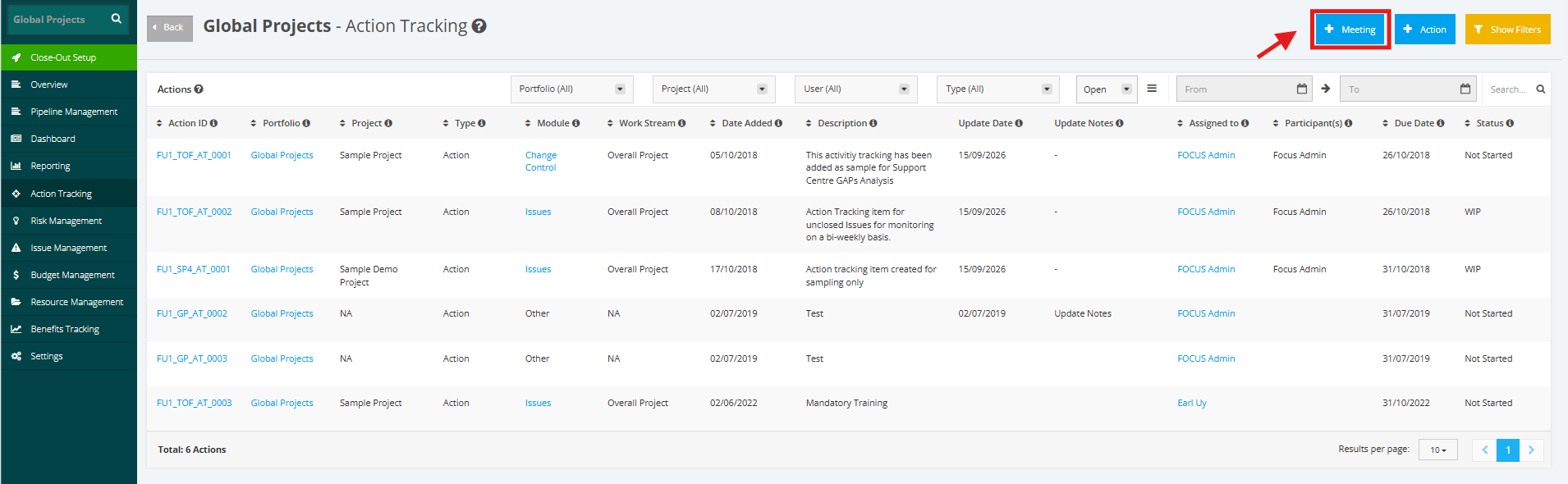
1. In the Portfolio Action Tracking page, click the + Meeting button.
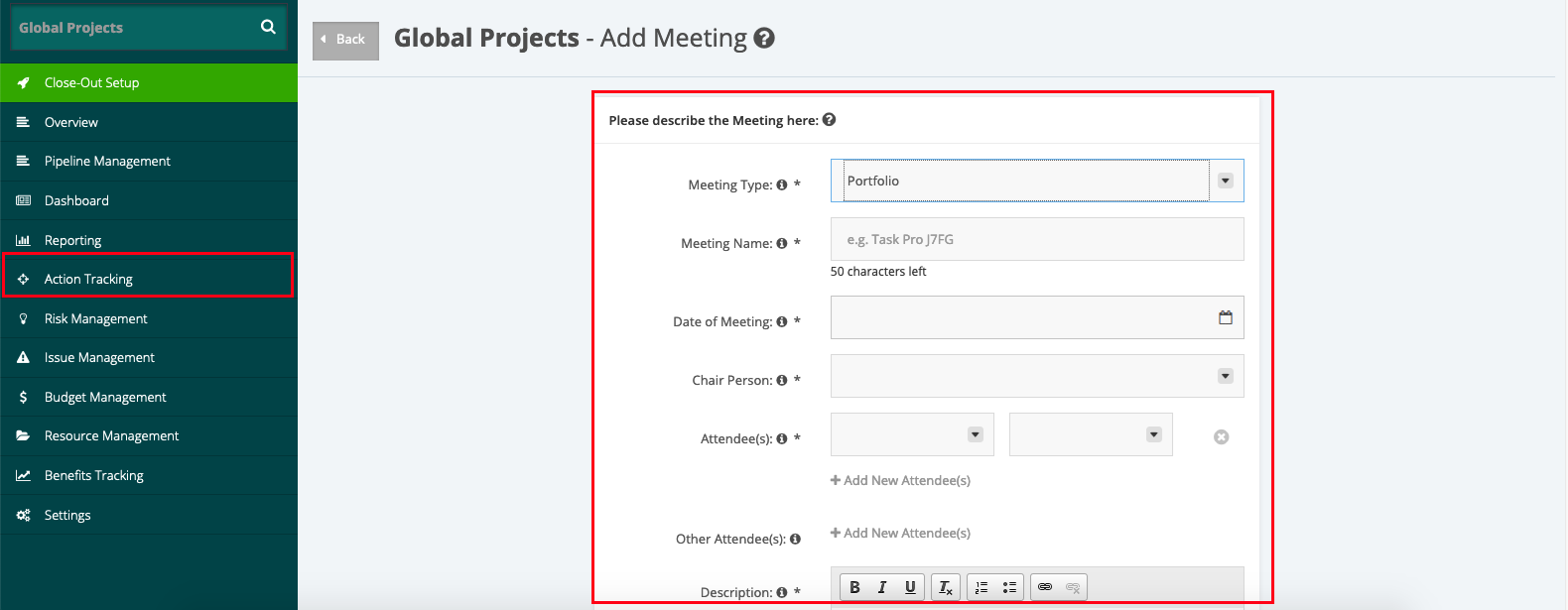
2. In opening ‘Meeting’, populate all the fields.
The fields are:
- Meeting Type – type of meeting whether in the Project or Portfolio Level
- Meeting Name – name of the meeting
- Date of Meeting– when the meeting takes place
- Chair Person – the person in charge for holding the meeting
- Attendee (s) – the people involved in attending the meeting
- Other Attendee (s) – Other people involved in attending the meeting
- Description - brief discussion of the meeting
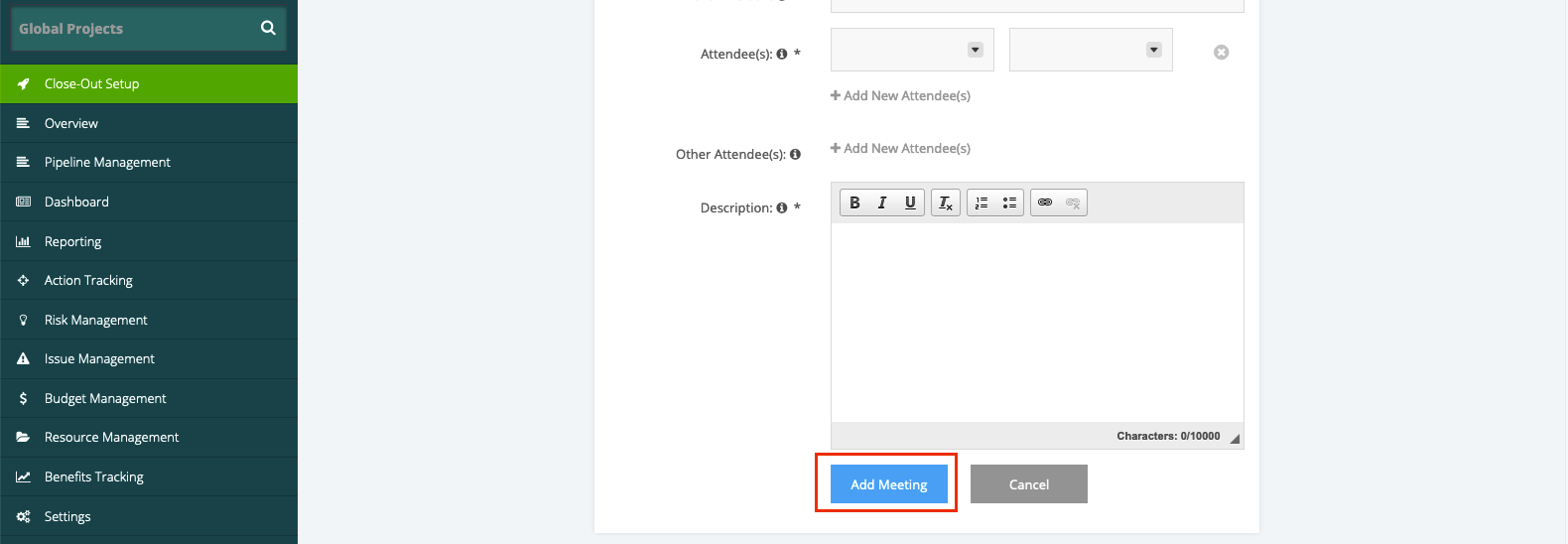
3. After populating the meeting field, click Add Meeting. The created meeting item will be shown in the Meeting section.