1. Sending the Action, Decision, Dependency, or Assumption Item in Portfolio Action Tracking
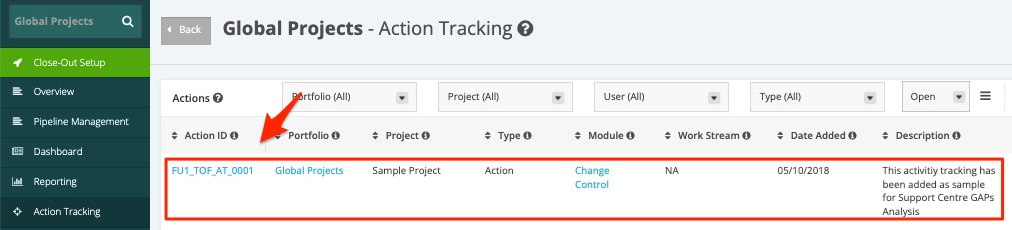
1. In the Portfolio Action Tracking page, click the Action ID Item.
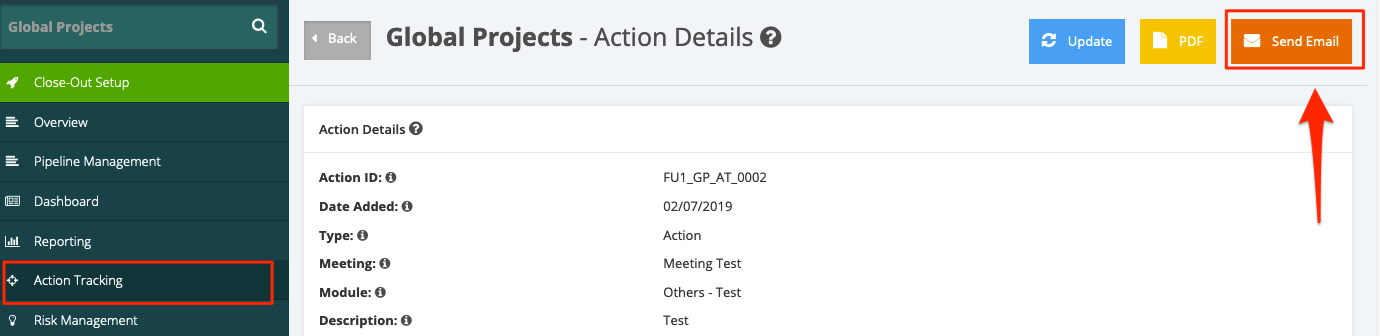
2. In the Action details page, click the Send Email button.
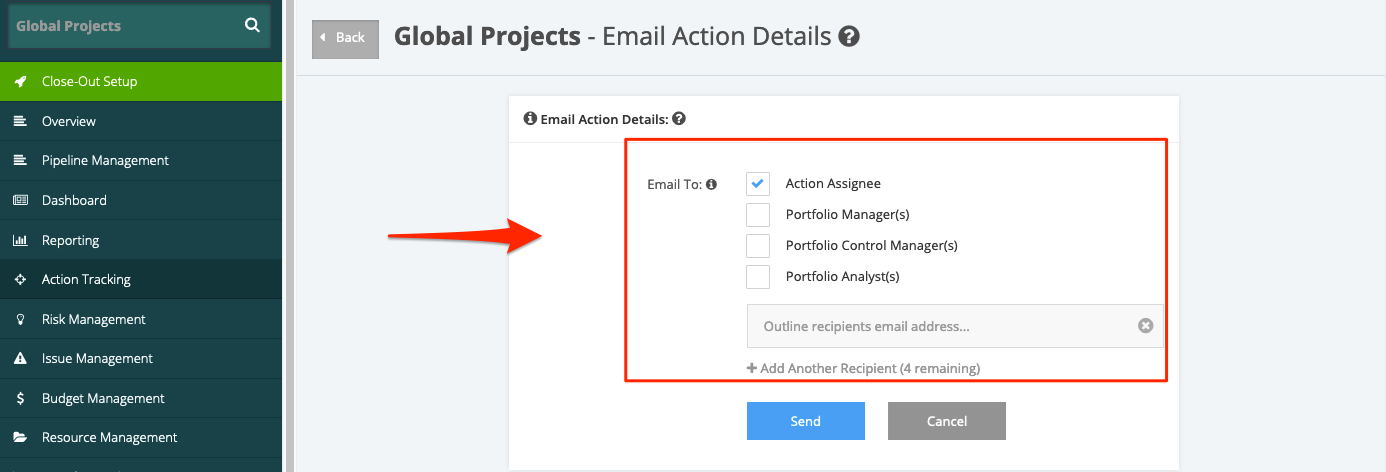
3. In the Email Action Details page, you can select the recipients that you want to email the Action, Decision, Dependency, or Assumption item.
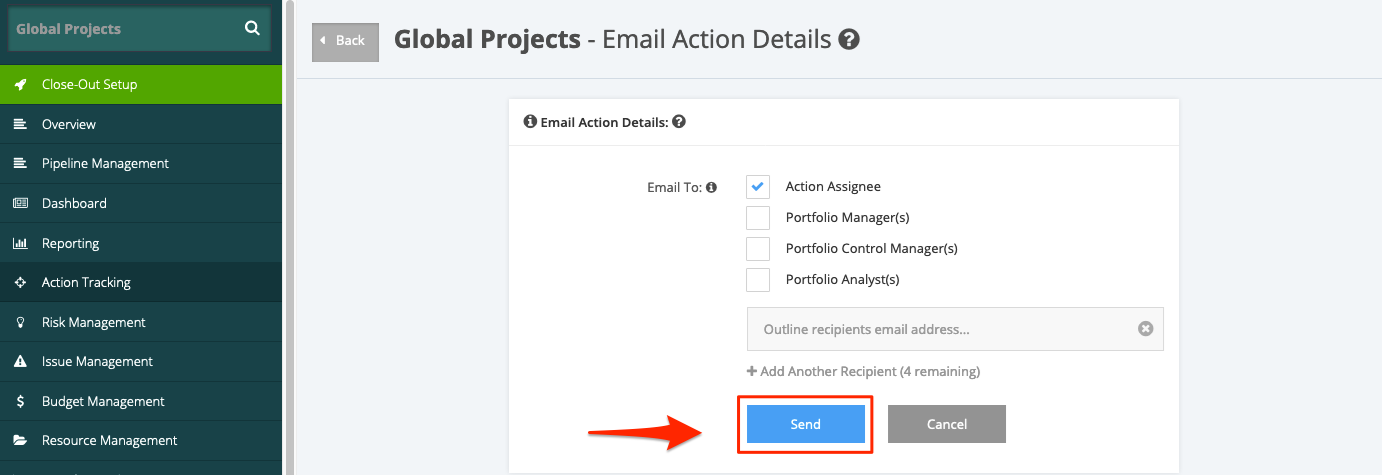
4. After ticking the intended recipients, click the Send button.