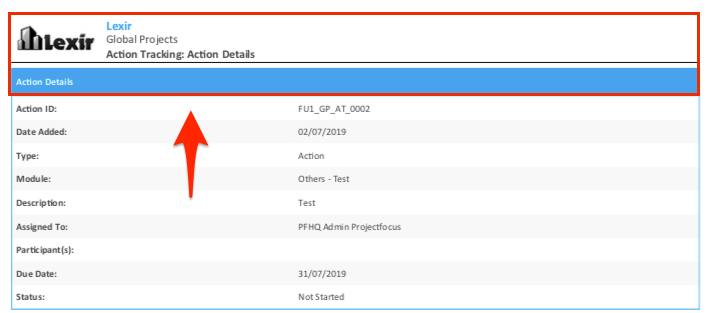
1. Exporting PDF file for an Individual Action, Decision, Dependency, and Assumption Item only for Portfolio Action Tracking
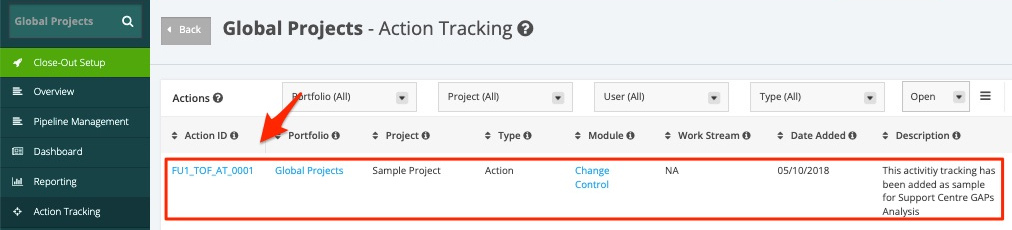
1. In the Portfolio Action Tracking page, click the Action ID Item.
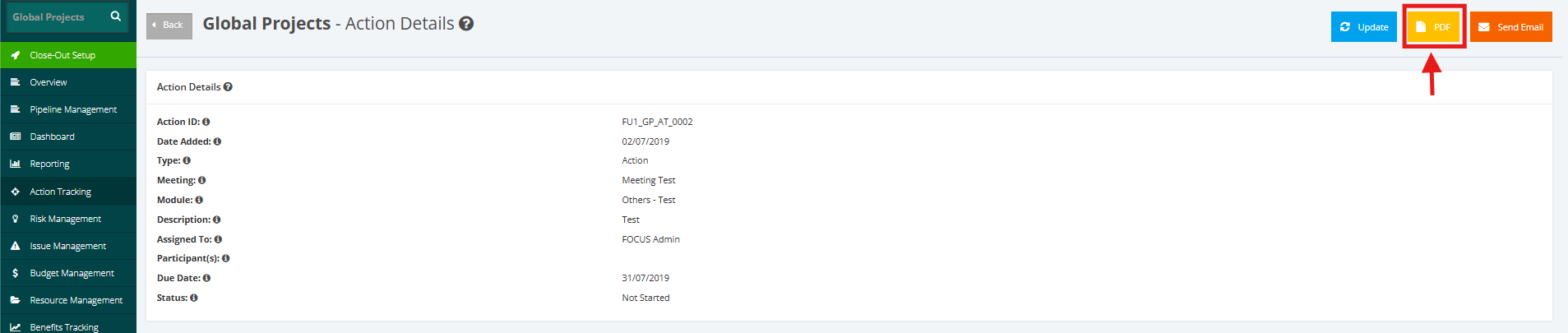
2. Once redirected to the Action Details page, click PDF from the top right corner of the Action.
3. Once PDF is selected, the Action Tracking Details will then export the action, decision or dependency item into a PDF file.