1. Deleting an Action, Decision, Assumption, and Dependency in Portfolio Action Tracking
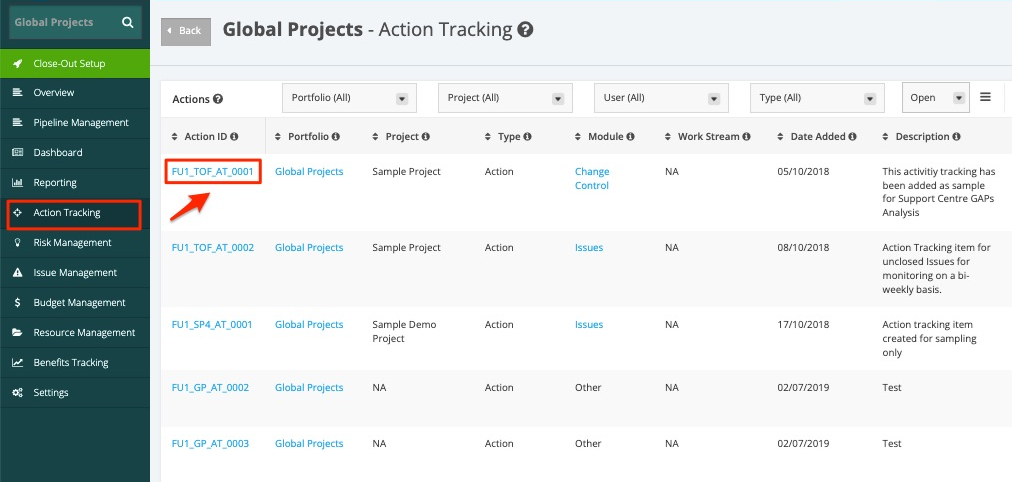
1. In the Actions section under the Portfolio Action Tracking page, click the Action ID of the Action Tracking item you want to delete.
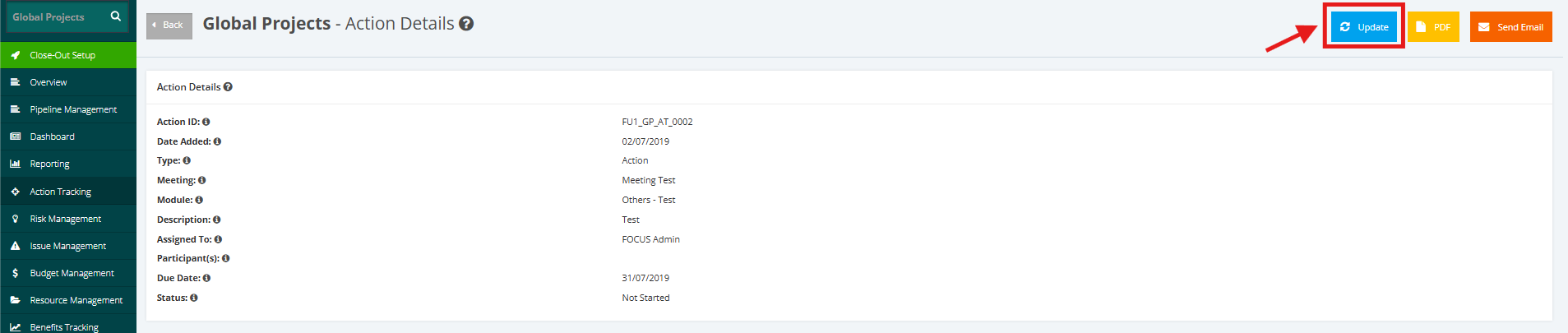
2. In the Action Details page, click the Update button.
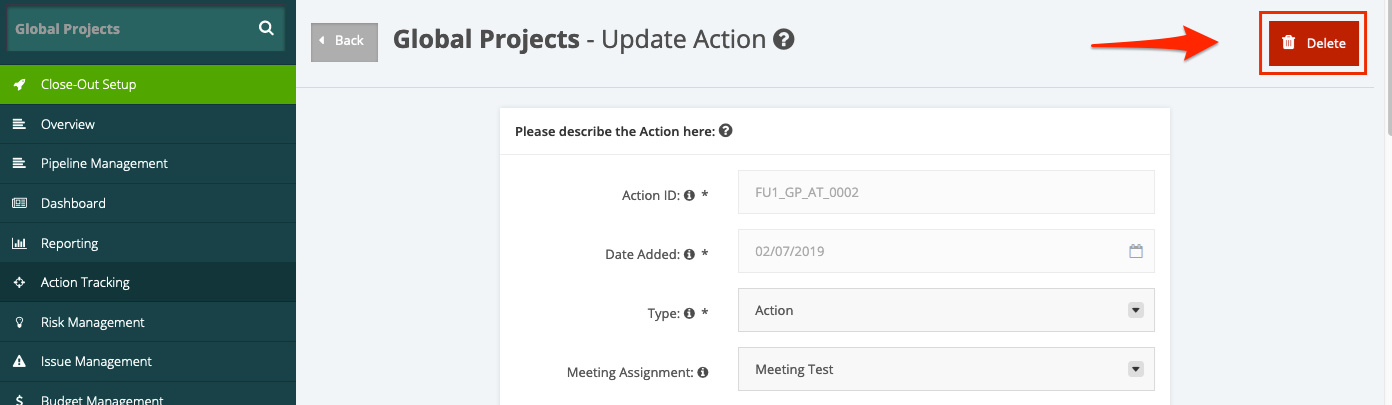
3. In the Update Action page, click the Delete button.
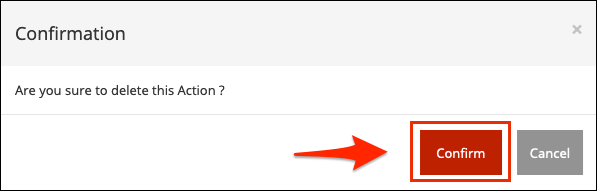
4. A confirmation pop-up message will then appear. Click Confirm and then the Action Tracking item has been deleted.