1. Download the Portfolio Close-out Report
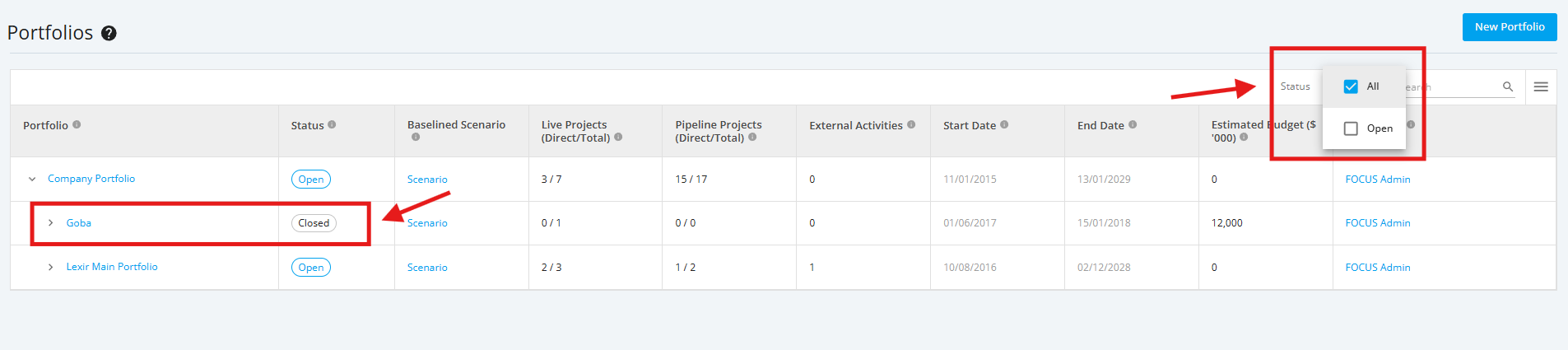
1. In the ‘Portfolio Dashboard’ section, click the Status filter and tick the 'All' checkbox.
Then, look for a Portfolio with 'Closed' Status. Once found, click the name of the Closed Portfolio.
Note: In this section you can only see the Portfolio assigned to you unless the administrator has provided you a Company Access Level to all Portfolios.
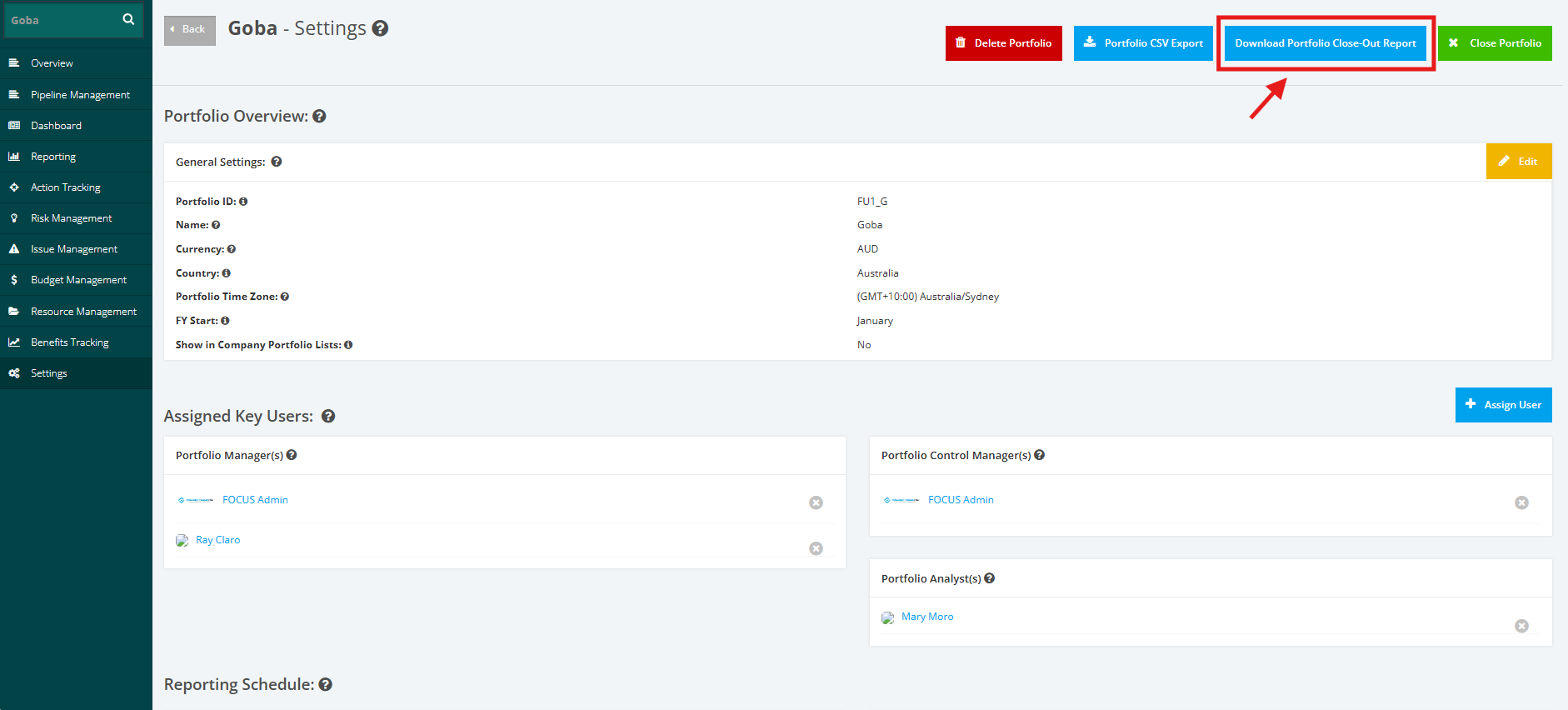
2. Navigate the Portfolio ‘Settings’ tab located in the left side bar of the page. Once done, click the ‘Download Portfolio Close-Out Report’ button located at the upper right corner of the page.