1. How to Add New Report within a Portfolio
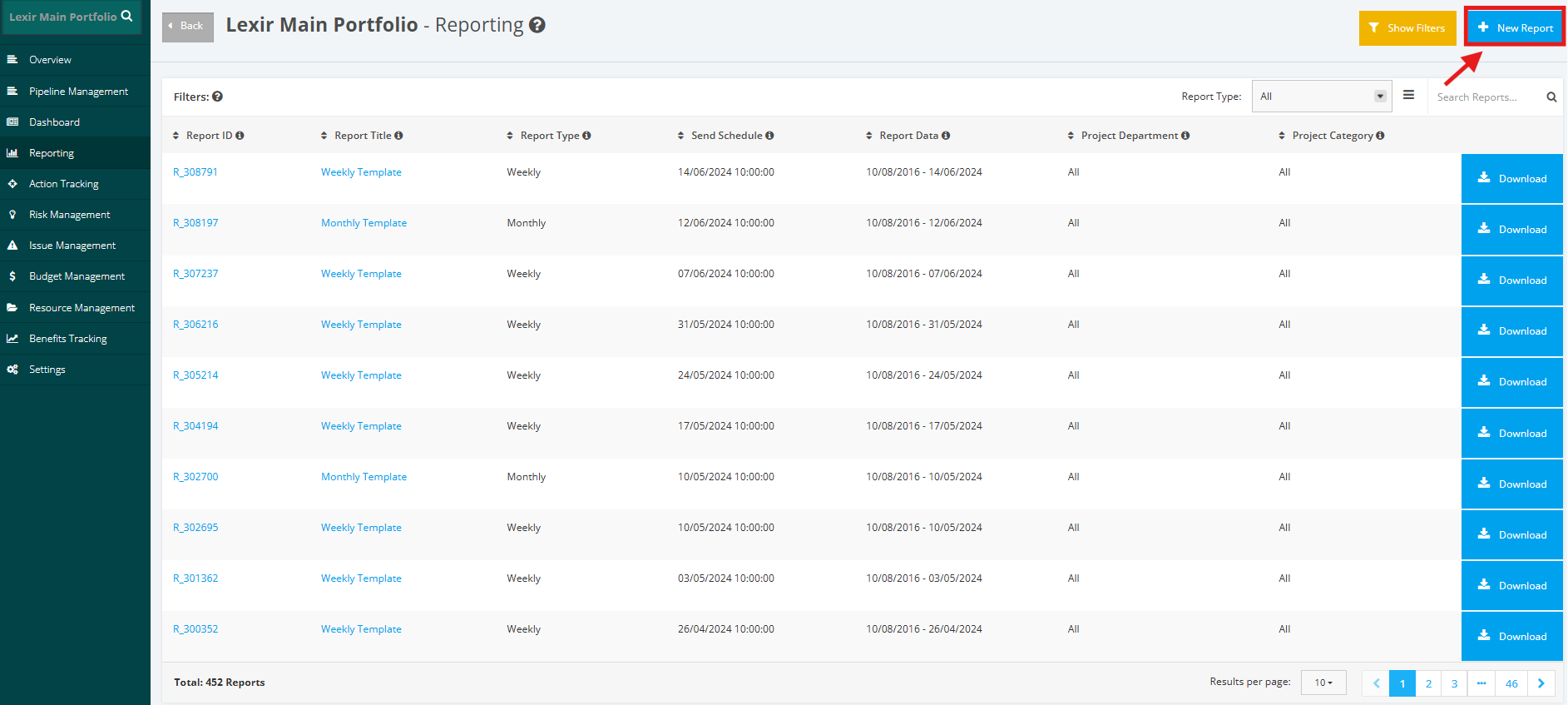
1. Access the relevant portfolio and then navigate to the 'Reporting' module. Then, create a new portfolio report by clicking the ‘New Report’ button.
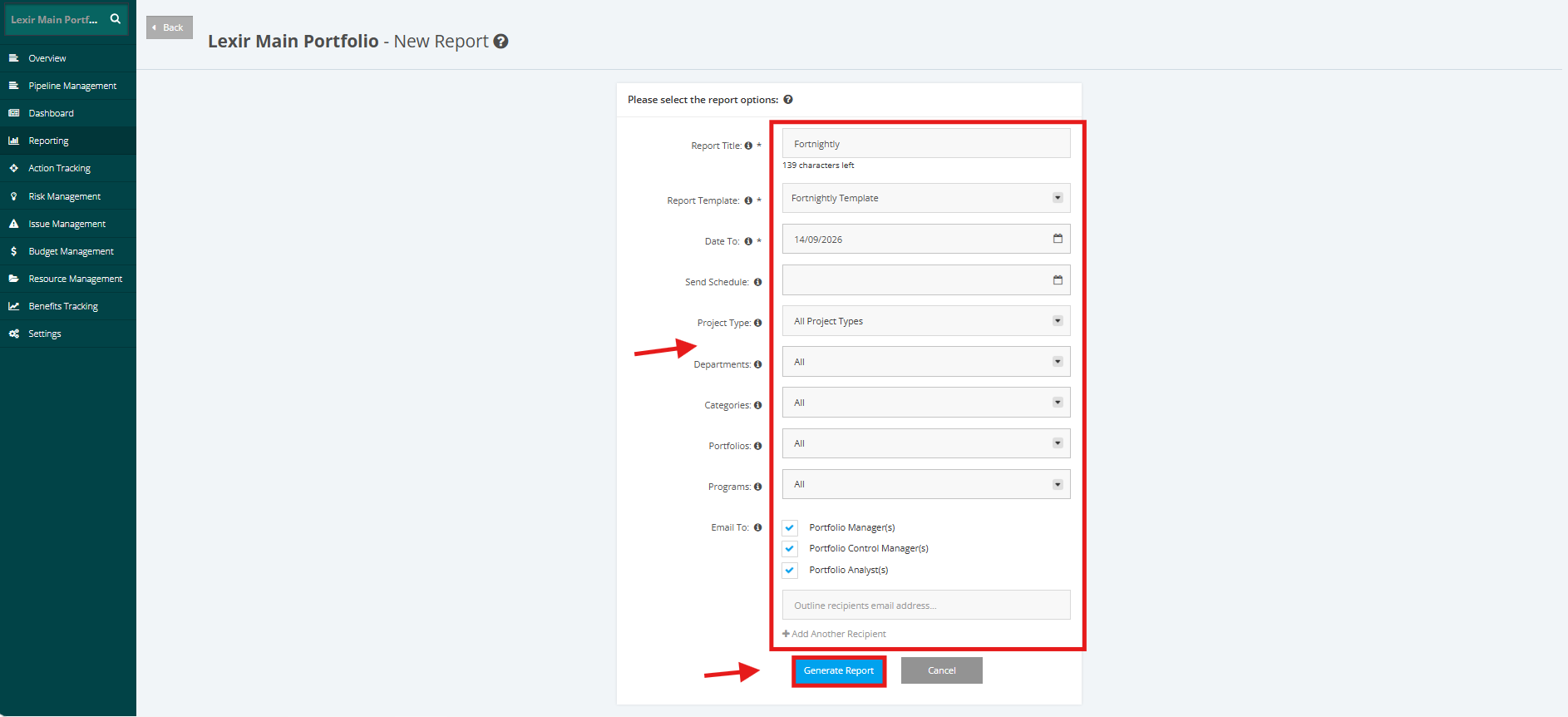
2. Fill in the required fields in the New Report form (Report Title, Report Template, Date To, Send Schedule, Project Type, Department, Project Category and Email Recipients). To add more recipients that are external to the Portfolio, click the ‘+ Add Another Recipient’ and then outline the recipients email address.
Once done, click the ‘Generate Report’ button.