1. Assign an Action to a Change Control Request
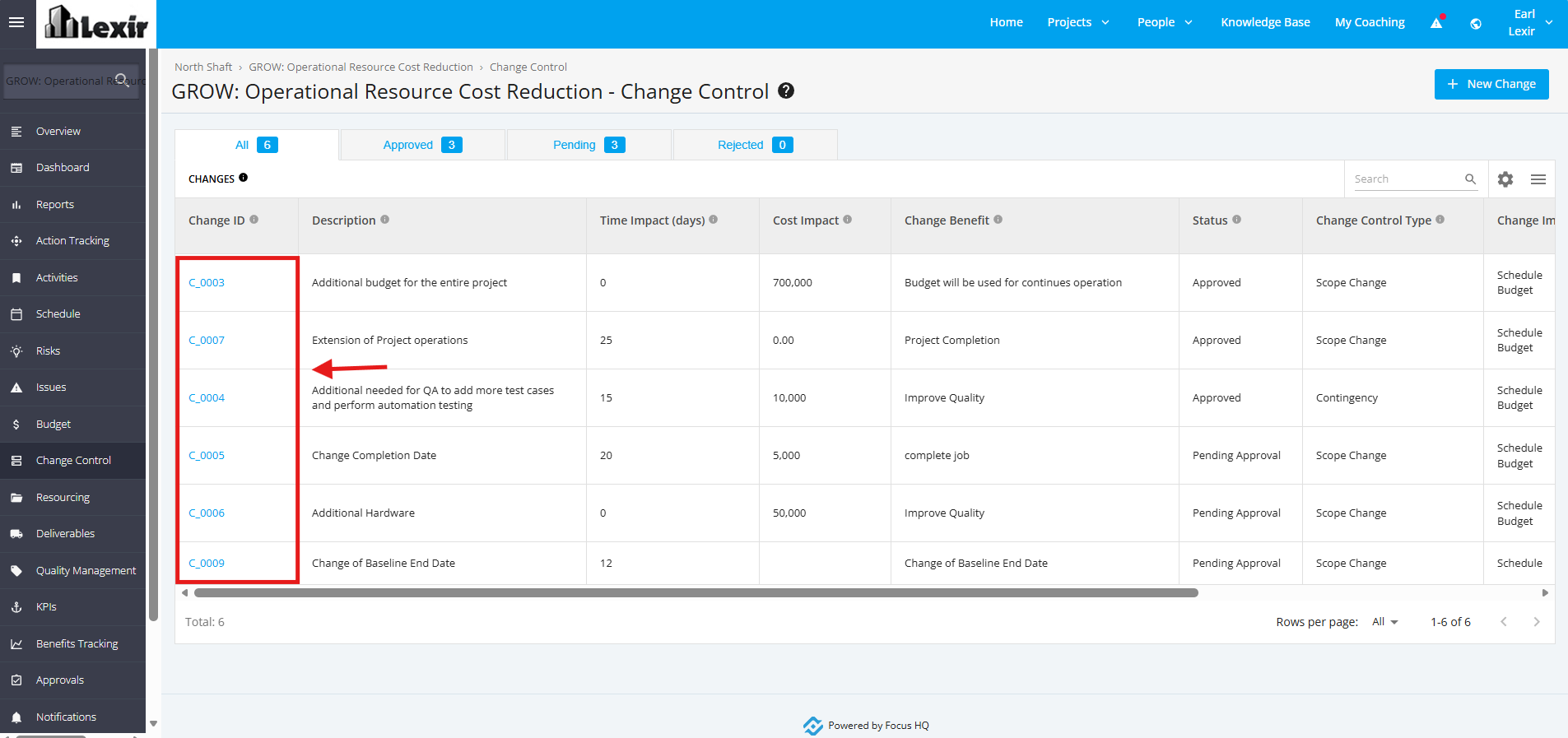
1. Once a project is selected, click the ‘Change Control’ tab from the left sidebar of the page and then click any Pending/ Approved ‘Change Control’.
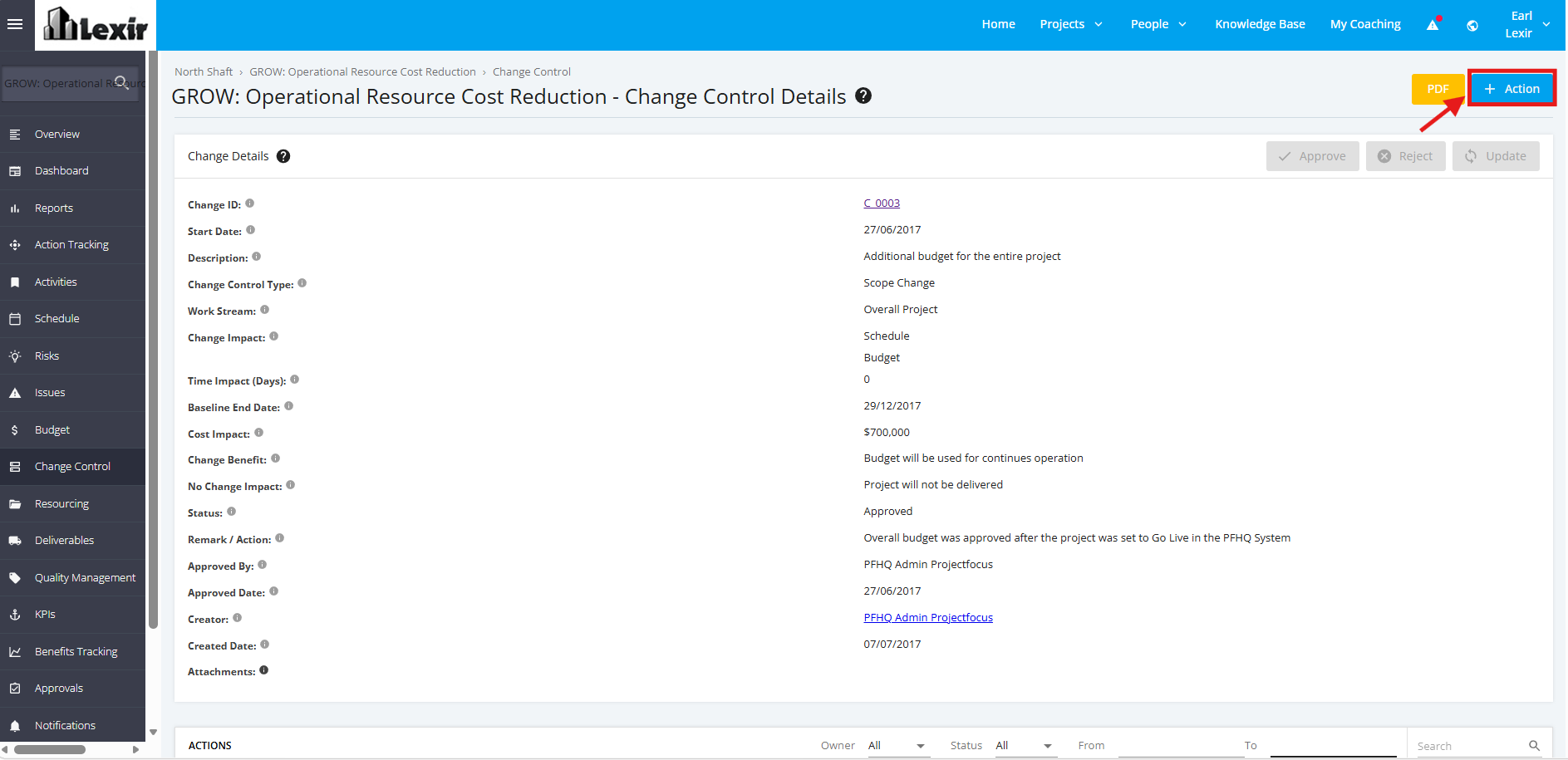
2. Once redirected to the ‘Change Details’ page, click the ‘+Action’ button.
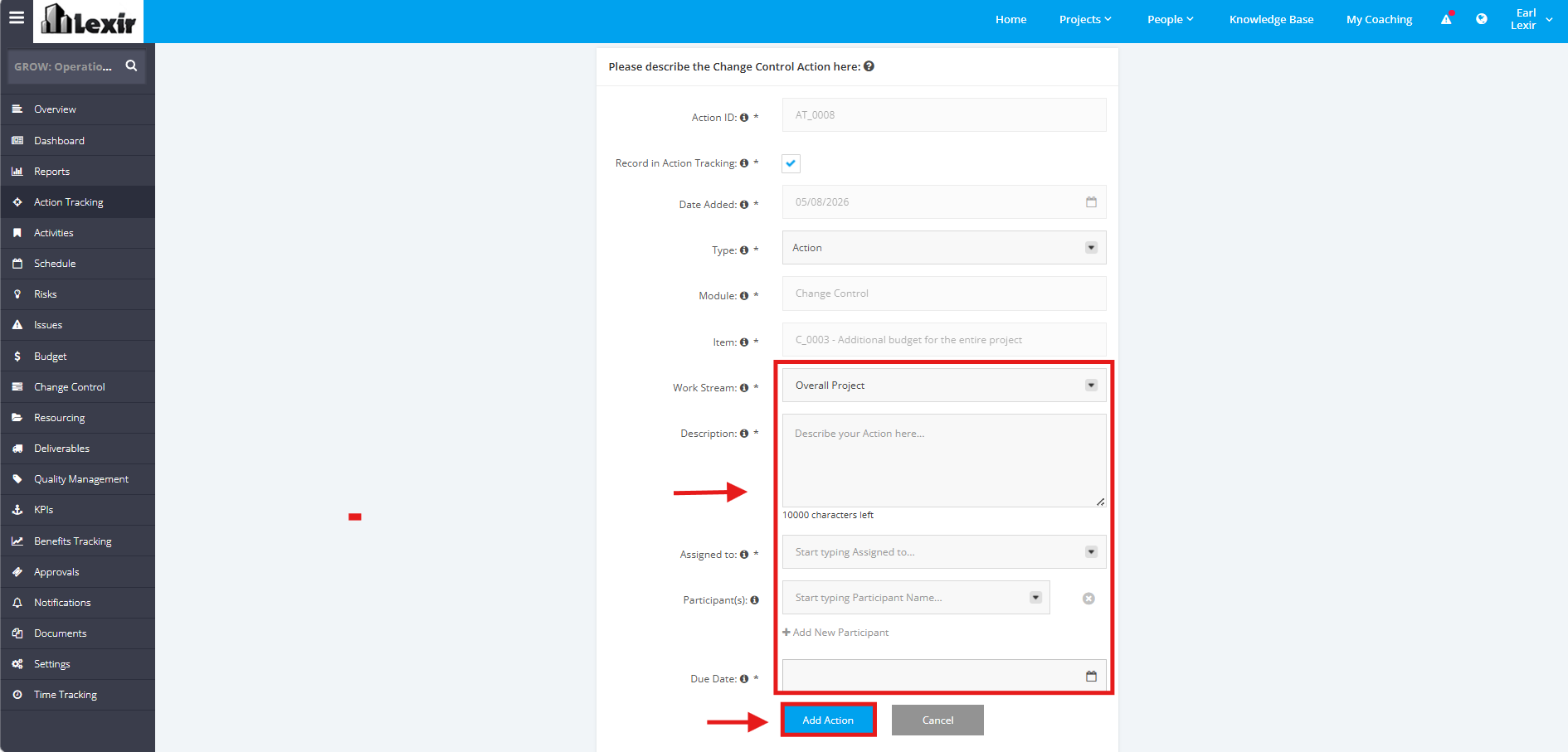
3. Fill in the necessary fields (Work Stream, Description, Assigned to, Due Date). Then, click the ‘Add Action’ button to save the new action.