1. Manage Pipelined Projects within a Portfolio
- To manage the Pipelined Projects within a Portfolio, open the FOCUS™ platform using the link: https://app.projectfocushq.com/accounts/login/
- Login using your ‘Username’ and ‘Password’ and click the ‘Log-in’ button.
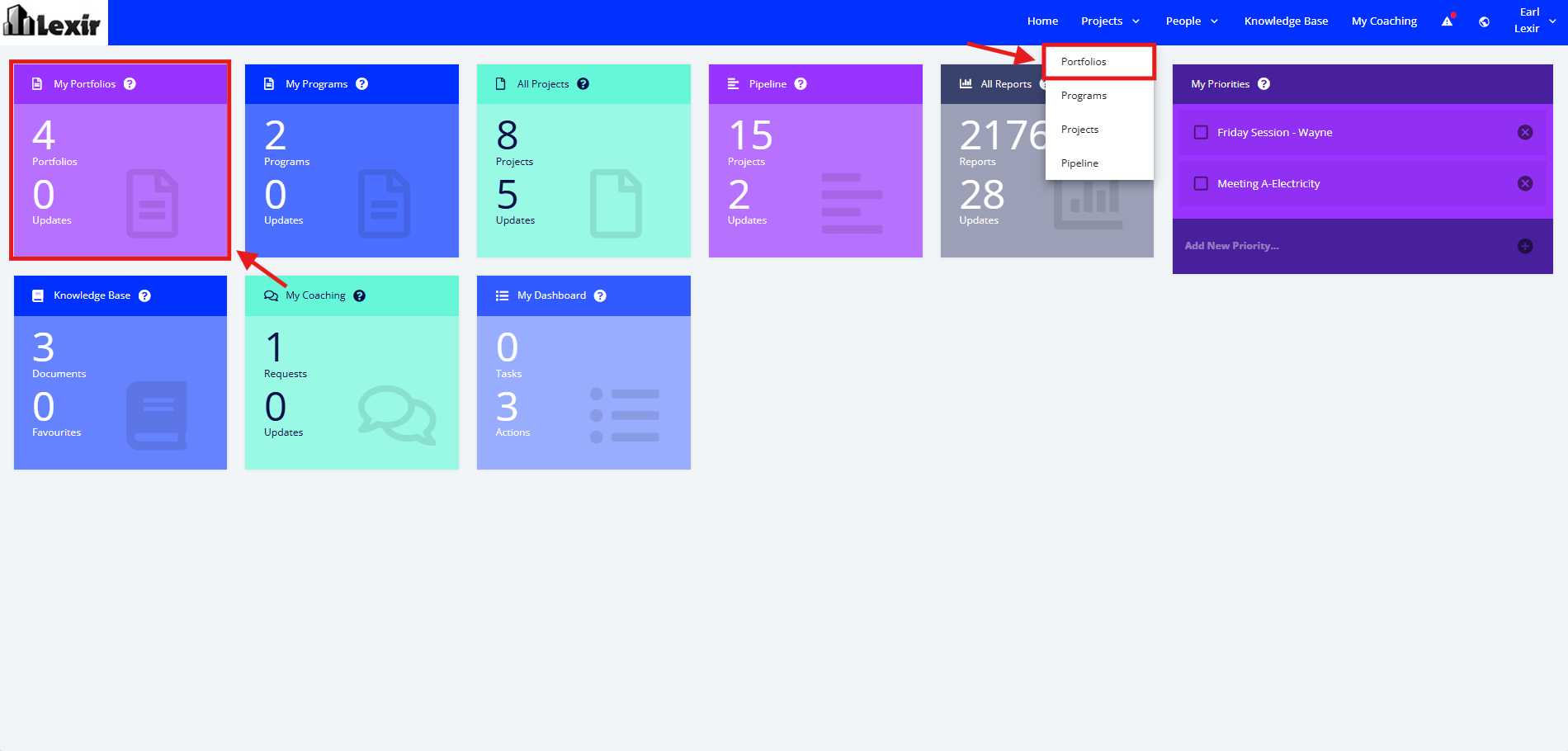
- Once logged in you will reach your Company’s Homepage, within the ‘Tiles’, navigate to the ‘Portfolio Dashboard’ by clicking the ‘My Portfolios’ tile or ‘Portfolios’ from the Main Navigation.
- Within the Portfolio Dashboard, click the name of the Portfolio to navigate.

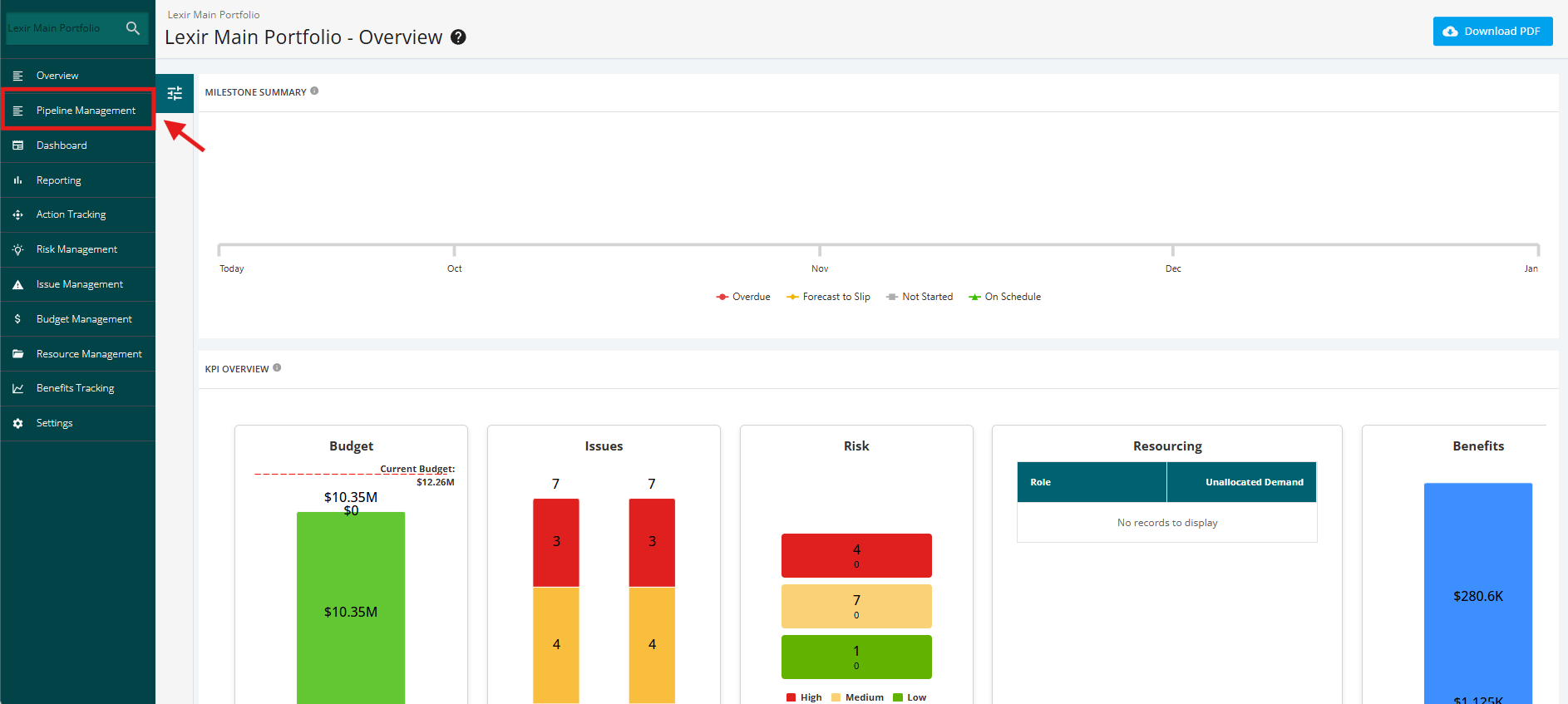
- Once redirected to the Portfolio Overview page. click the ‘Pipeline Management’ tab.