
1. Filtering and Searching for Meetings
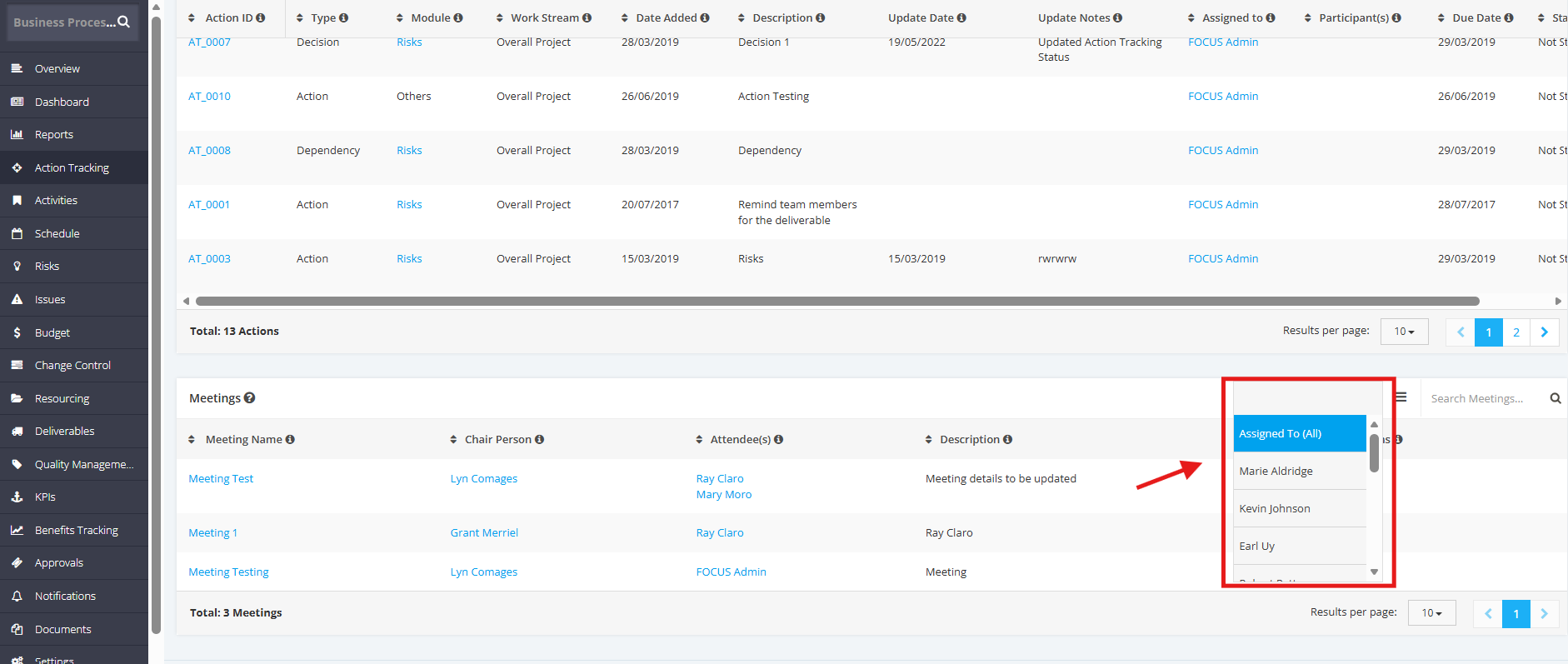
1. In filtering a Meeting, Click the ‘Users’ dropdown menu. Once done, choose a User you want to display.
To display Meeting items with all users, select ‘User (All)’.
2. To search a Meeting within the Meetings Table, enter the Meeting Name in the ‘Search’ field’.
Once done, click the ‘Magnifying Glass’ icon or press ENTER.
