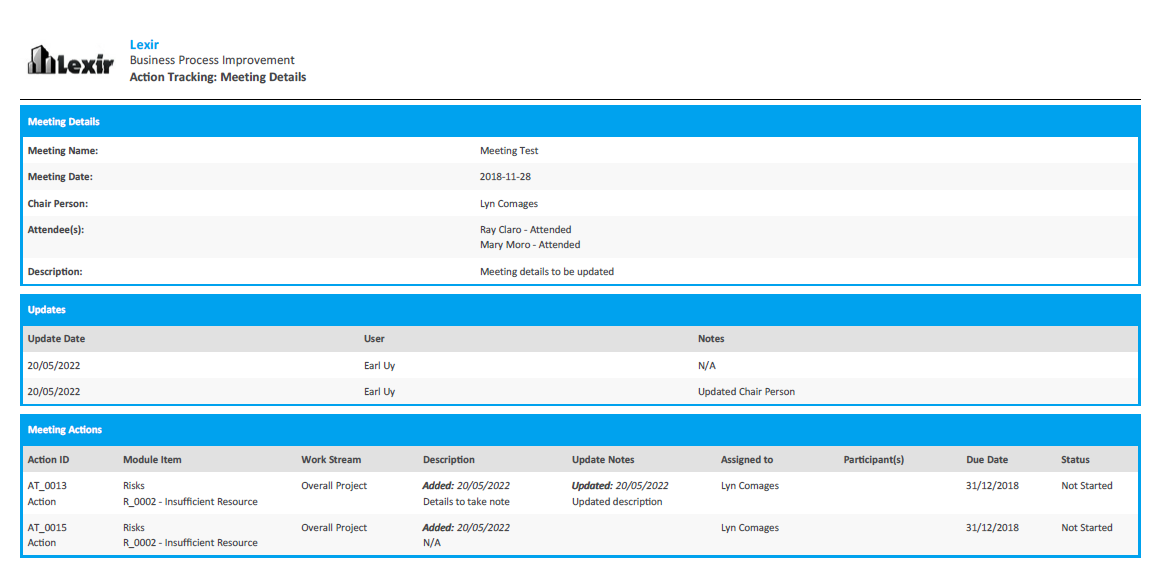
1. Exporting PDF file for one Meeting Item only
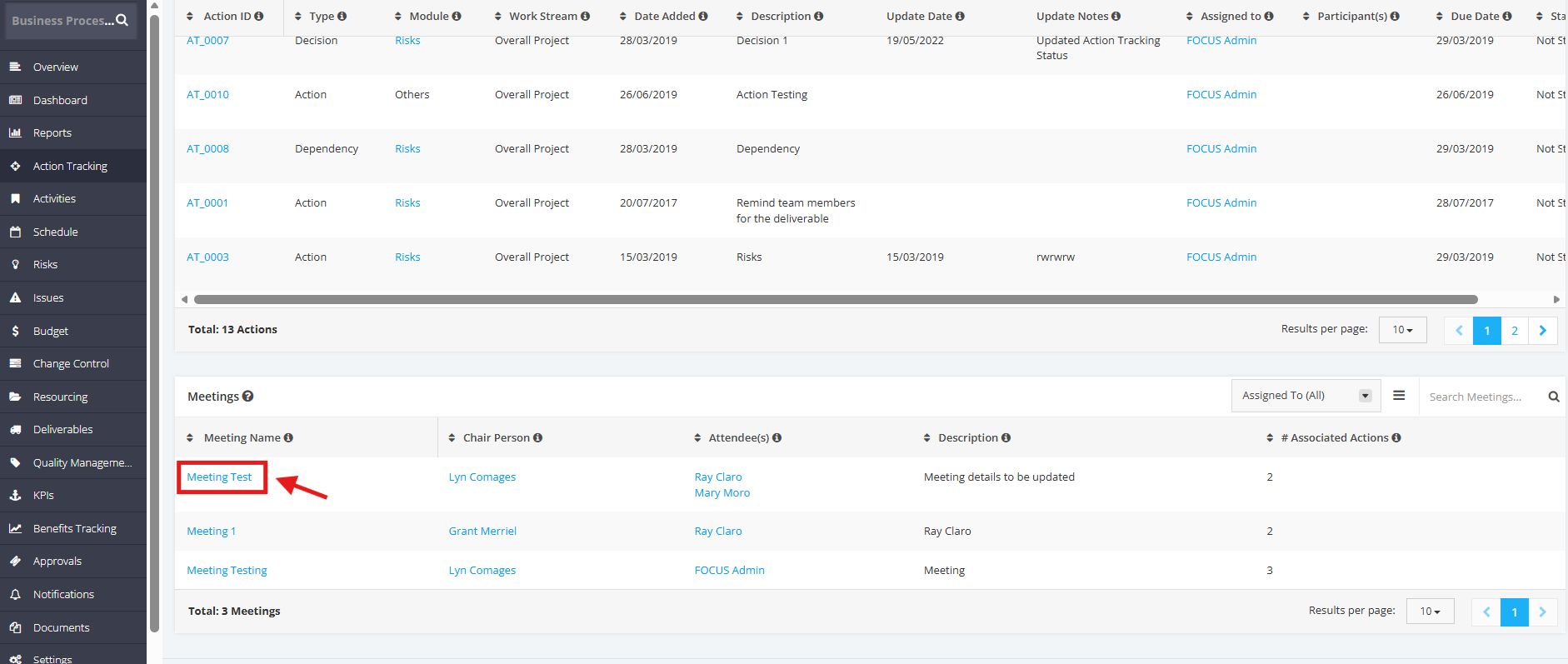
1. In the Meetings table, click the Meeting Name.
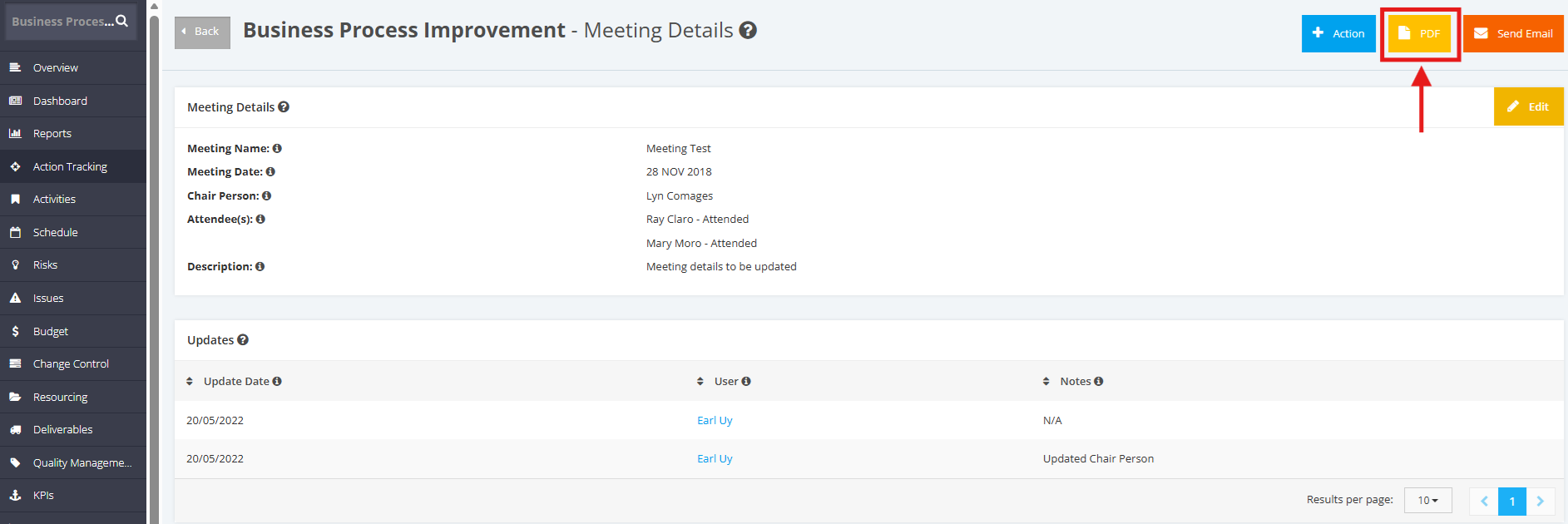
2. Once redirected to the Meeting Details page, click the PDF button at the top right corner.
3. Once selected, the Meeting Details will be exported in a PDF file.