
1. Filtering Action, Decision, Dependency or Assumption Items
You can filter list of Actions, Decisions, Dependencies or Assumption items to display with the following options:
Users, Type, Status, From, To
You can select one or more filters. Once the desired filters are configured, the Actions List will display only the items that match the selected filter criteria.
1.1 Filter Actions by Users
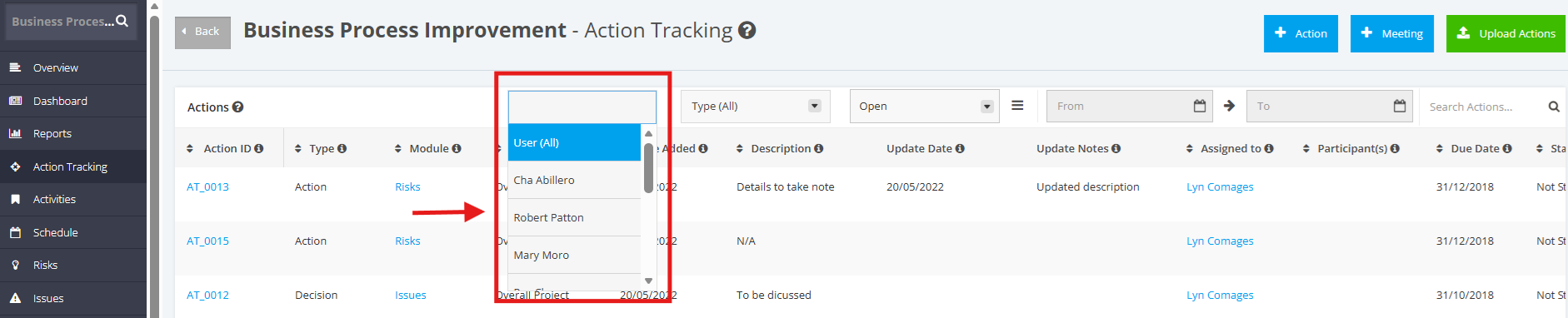
Click the ‘Users’ dropdown menu. Once done, choose a User you want to display.
To display Action items with all users, select ‘User (All)’.
1.2 Filter Actions by Type
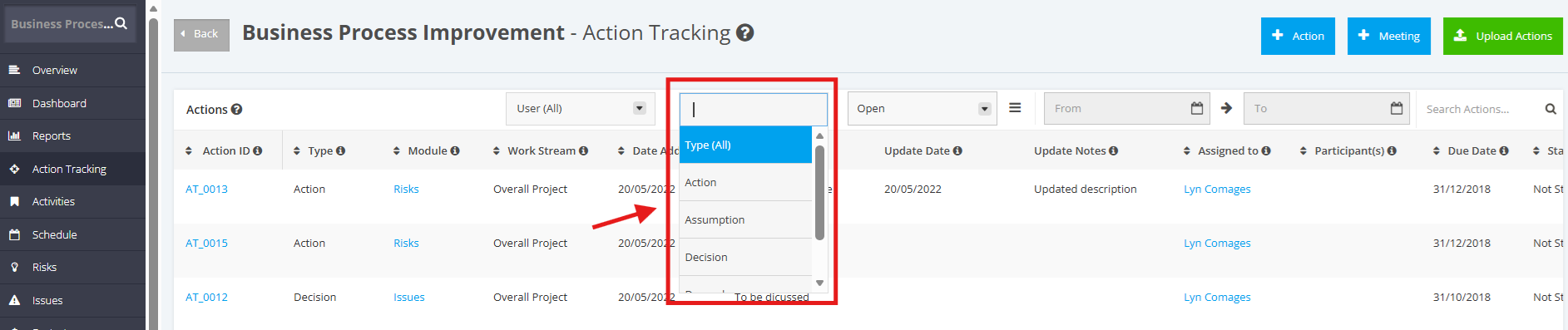
Click the ‘Type’ dropdown menu. Once done, choose a Type you want to display.
To display Action items with all users, select ‘Type (All)’.
1.3 Filter Actions by Status
Click the ‘Status’ dropdown menu. Once done, choose a Status you want to display.
To display Action items with all statuses, select ‘Type (All)’.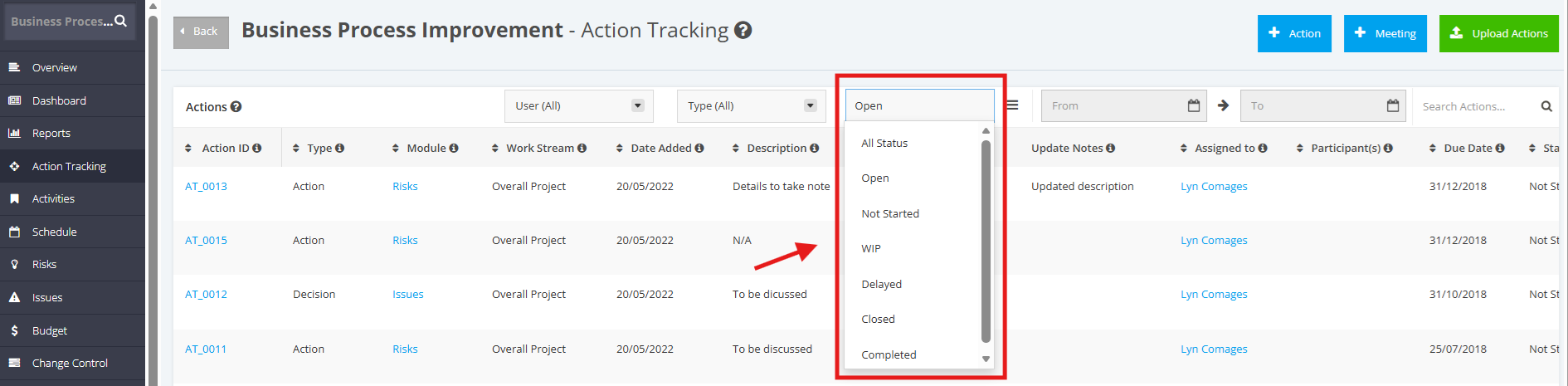
1.4 Filter Actions by From and To Dates
Click the ‘From’ calendar picker and select a start date. Then, click the ‘To’ calendar picker and select an end date to view Action Items whose due dates fall within the selected date range.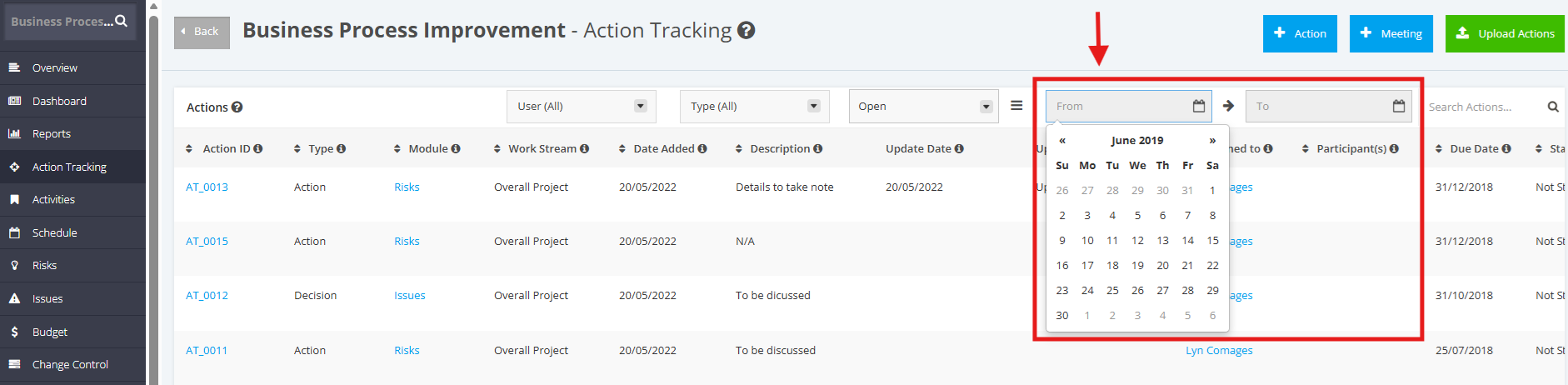
2. Searching Action, Decision, Dependency or Assumption Items
To search an Action Item within the Actions List, enter the Action Name in the ‘Search’ field’.
Once done, click the ‘Magnifying Glass’ icon or press ENTER.
