1. Sending Action, Decision, Dependency, or Assumption Items via Email
1. In the Action Tracking page, click the Action ID Item.

2. Once redirected to the Action details page, click the Send Email button.

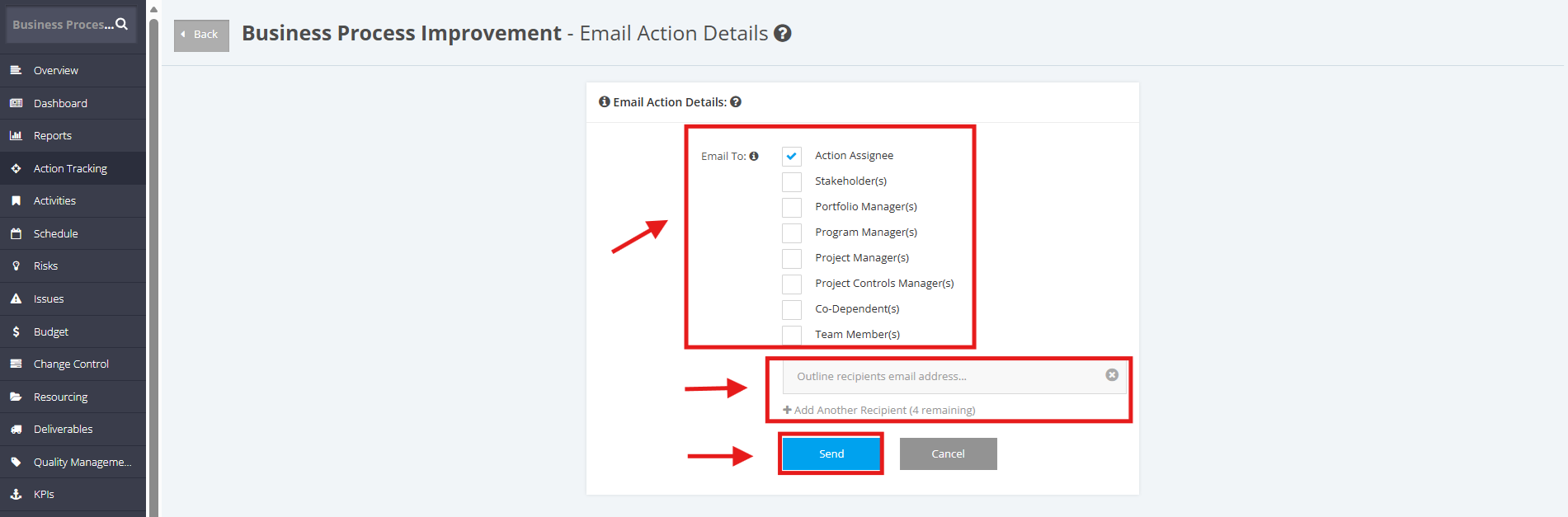
3. Tick the checkbox of the recipients that you want to email the Action, Decision, Dependency, or Assumption items to.
You can also add an email address of a recipient for the Action items.
To add more recipients, click +Add Another Recipient. You can only add up to 4 email addresses.
Once done, click the Send button.